Ink Brands
 How to Choose the Best Ink for Photo Printing
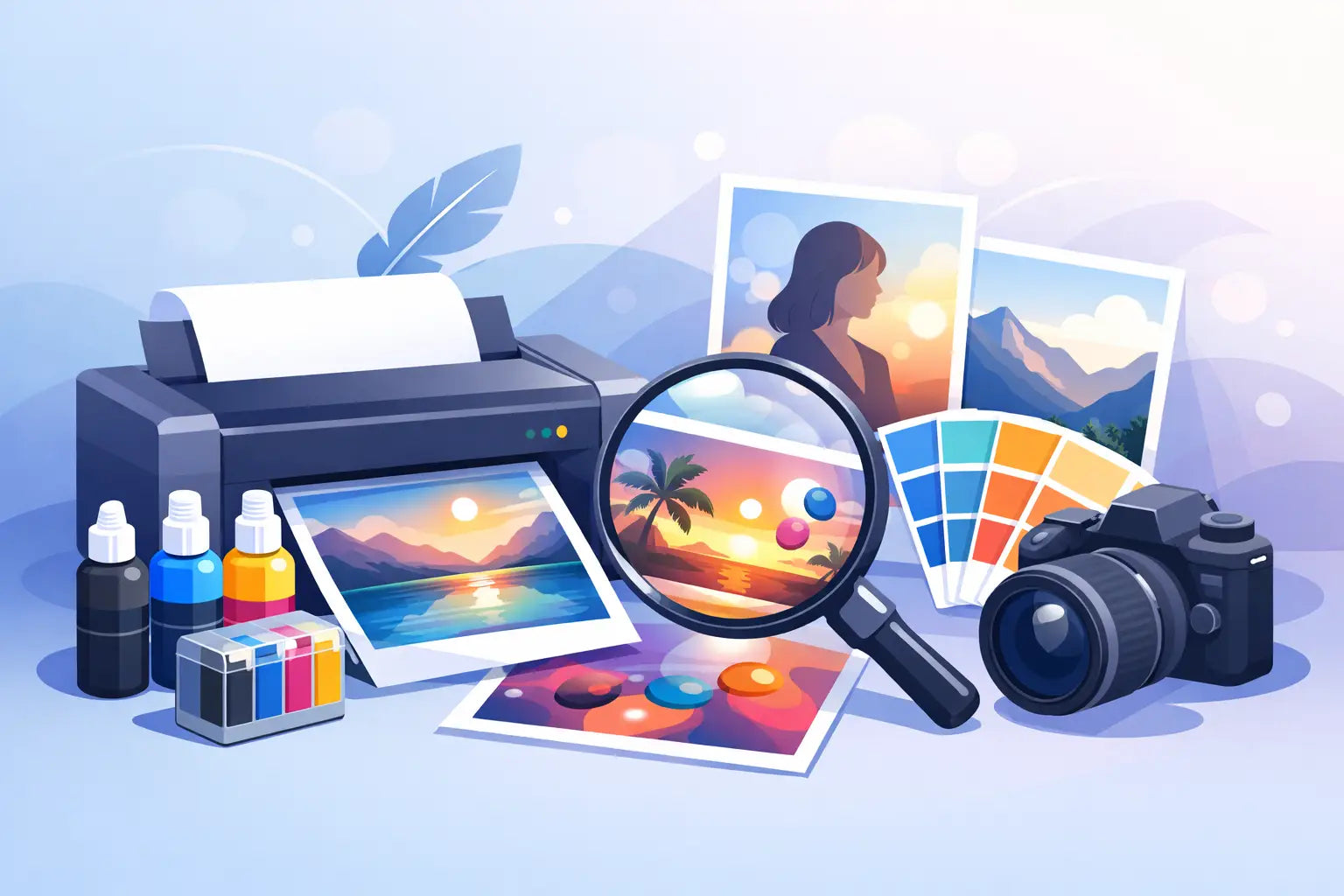
A photo can look perfect on your mobile, then come out of the printer too dark, too blue or noticeably flat. The best ink for photo printing is not simply the most expensive cartridge on the shelf. It is the ink that suits your exact printer, the paper you are using and how long you want those prints to last.
For family albums, school projects, framed holiday shots or small business product photos, a little cartridge know-how makes a visible difference. The good news is that you do not need to become a print expert to get better results. Start by matching the ink type to the job, then make sure your printer settings and paper are doing their share.
What makes ink good for photo printing?
Photo printing asks more of ink than everyday documents do. Black text can still look acceptable when a cartridge is nearing its end or the paper is ordinary. A photograph reveals every weakness: uneven skin tones, muted reds, lost shadow detail and grainy skies.
Good photo ink should produce accurate colour, smooth tonal changes and strong detail. It also needs to work predictably with your printer's printhead and colour system. Inkjet printers do not use one universal formula. Each printer family is designed around particular cartridges, ink chemistry and colour combinations, so fitting the correct cartridge matters as much as choosing between genuine and compatible ink.
The number of colours your printer uses also matters. Basic home inkjets often print with cyan, magenta, yellow and black. Photo-focused models may add light cyan, light magenta, grey, photo black or other specialist inks. Those additional colours help produce softer gradients and more natural shadows, particularly in portraits and black-and-white prints.
Dye ink vs pigment ink for photos
Most photo ink decisions come back to two main ink types: dye-based and pigment-based. Neither is automatically better. They are made for different strengths.
Dye-based ink
Dye ink is commonly used in home photo printers because it can create bright, glossy colour. It absorbs into the coating on photo paper, often giving images a vivid finish with smooth blends from one shade to another. If you are printing colourful holiday snaps, party photos or albums to store indoors, dye ink can be an excellent choice.
Its trade-off is longevity. Depending on the paper, light exposure and storage conditions, dye prints may fade sooner than pigment prints. They can also be more vulnerable to moisture. Keep finished prints away from direct sunlight, and use an album or frame with suitable protection if the image matters to you.
Pigment ink
Pigment ink contains tiny solid particles that sit closer to the surface of the paper. It is valued for sharp detail, strong fade resistance and good performance on matte or fine-art media. It is often the preferred option for prints intended for display, professional portfolios or photos that need to hold up over time.
Pigment ink can be less glossy on certain glossy papers, particularly when compared with a printer designed for dye-based photo printing. Some pigment printers use a gloss optimiser or specialised black inks to improve the finish. Check what your particular printer is built to use rather than trying to switch ink types. Using an ink formula not designed for your printer can cause poor results or damage.
Genuine or compatible cartridges: which is best?
Genuine cartridges are made by the printer manufacturer for its own machines. They are usually the simplest choice when colour matching is critical, when the printer is under warranty, or when you want the manufacturer's intended photo output with minimal trial and error. They can be particularly worthwhile for a one-off set of important prints, such as wedding photos or client work.
Compatible cartridges are made by a third party to fit a specific printer model. A well-made compatible can offer a more affordable way to print everyday photos, family albums and creative projects without replacing cartridges quite so often. The important words are well-made and compatible. Quality can vary between suppliers, and the cheapest option is not always the best value if colours are inconsistent or a cartridge does not recognise correctly.
For most home users, the practical decision depends on what is being printed. Genuine ink is the cautious choice for high-stakes colour work. Quality compatible ink can be a sensible, lower-cost option for regular home photo printing, especially after you have tested a print on your preferred paper.
At Inkspot, the easiest way to avoid ordering mistakes is to shop by your printer model first. Cartridge numbers can look similar across brands, but a close match is not a correct match.
The best ink for photo printing also needs the right paper
Ink and paper work as a pair. Even premium ink can look disappointing on plain copy paper because the fibres absorb it too quickly, softening detail and dulling colour. Photo paper has a coated surface that controls how ink settles, helping the printer reproduce finer detail and richer tones.
Glossy paper usually gives colours more punch and works well for bright travel, family and event photos. Satin, lustre or semi-gloss paper offers a softer sheen with fewer fingerprints and reflections, making it a practical all-round choice for albums and framed prints. Matte photo paper suits a more subdued look and can work beautifully for portraits, art prints and images with plenty of texture.
Look at the paper packaging and your printer manual for recommended media settings. Selecting “plain paper” when you have loaded glossy photo paper tells the printer to lay down ink differently. That alone can make a good cartridge appear disappointing.
Settings that make a bigger difference than expected
Before deciding your ink is the problem, check the print settings. Choose the correct paper type, set print quality to high or best for important photos, and make sure the image is not being resized in a way that lowers its resolution. A low-resolution image cannot be restored by better ink.
If colours look wrong, run a nozzle check and printhead clean through the printer's maintenance menu. A partially blocked cyan or magenta nozzle can turn skin tones strange and leave fine lines through areas of colour. Avoid repeated cleaning cycles unless needed, as they use ink. One check, one clean and another check is usually a sensible starting point.
Your screen can also be misleading. Phones and monitors are often set brighter and more saturated than a print. If photos repeatedly print too dark, lightly brighten the image before printing rather than assuming you need a different cartridge.
How to choose the right cartridge for your printer
Start with the printer model, not the brand alone. HP, Canon, Epson, Brother and other brands each use many cartridge ranges, and the correct cartridge number is specific to the machine. Check the label on your existing cartridge, the printer manual or the printer manufacturer's cartridge information.
Next, consider how often you print. If you print photos regularly, a high-yield cartridge may offer better value by reducing the cost per page and the number of replacements. If you only print occasional photos, use the printer often enough to keep ink moving through the printhead. Long gaps between prints can allow ink to dry, especially in printers with built-in printheads.
Finally, buy the colours you actually need. A single depleted colour can stop photo printing even when the other cartridges still look full. Keeping a spare set on hand is useful before birthdays, holidays, school deadlines or a large photo project, particularly if you live outside a major metro area.
Getting prints that last
Once a photo has printed, let it dry fully before stacking or framing it. Fresh prints can mark easily if handled too soon. Store spare paper sealed and flat, away from humidity, and keep finished photos out of harsh sunlight and damp areas.
For a favourite image you plan to frame, use quality photo paper and the best print setting your printer supports. For everyday album prints, a reliable compatible cartridge and suitable paper may be the smarter balance of cost and quality. The right choice is the one that lets you print the photos you want, often enough to enjoy them, without turning every cartridge replacement into a costly guessing game.