Ink Brands
 Small Business Print Management That Cuts Costs
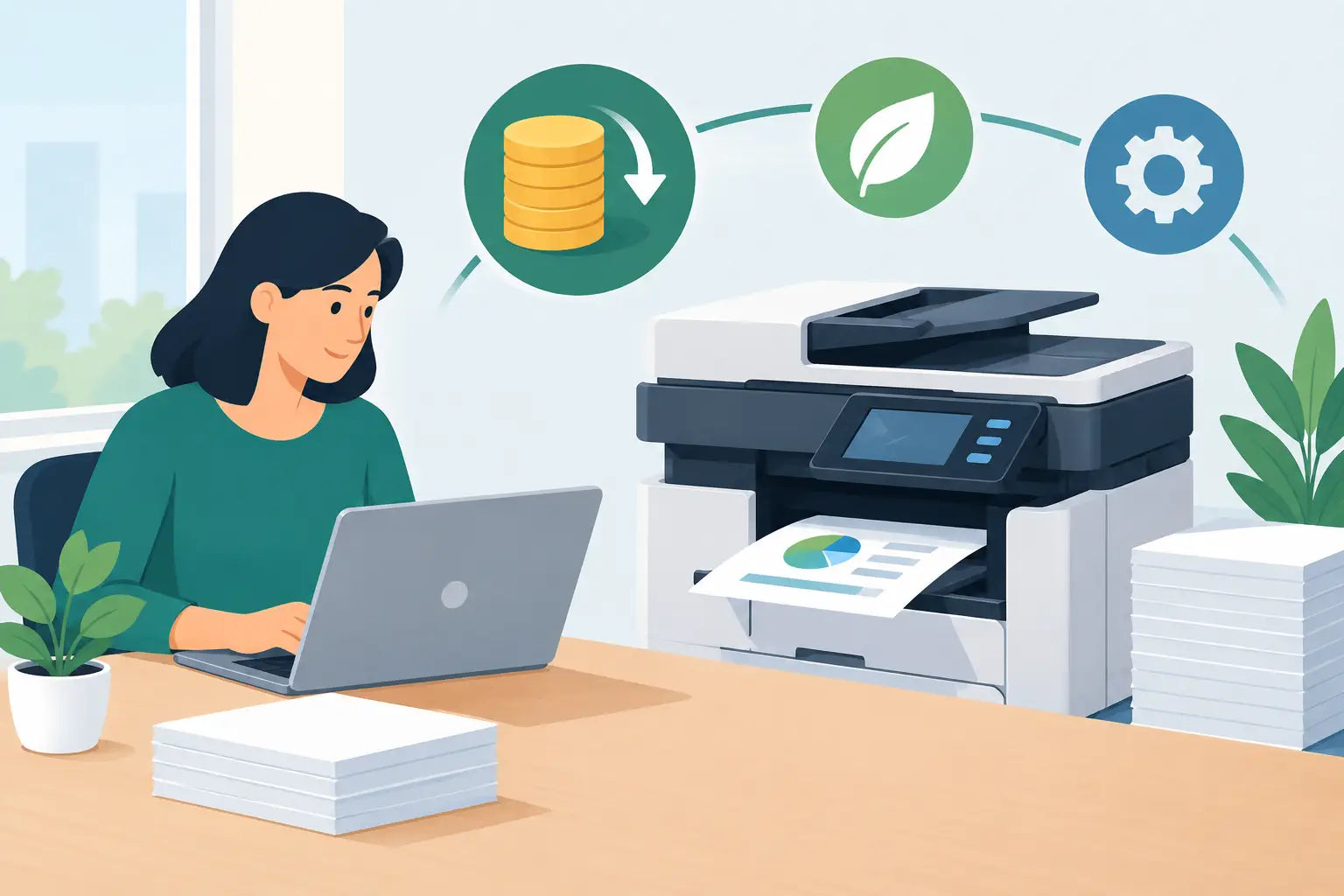
A printer rarely causes trouble when it is working. The cost shows up later: a staff member buys the wrong cartridge in a hurry, colour documents are printed for internal review, or the office runs out of toner before an important deadline. Good small business print management is less about making people print less at all costs and more about making each print job sensible, affordable and easy to manage.
For many Australian small businesses, printing is still essential. Invoices, delivery notes, training material, forms, plans, labels and customer paperwork all need to move from screen to paper. The goal is not a paper-free office. It is an office where printing supports the work without quietly draining the budget.
Start with a clear picture of your printing
Before changing suppliers or setting new rules, find out what is actually being printed. A two-week check is often enough to reveal useful patterns. Ask who uses each printer, what they print, whether documents genuinely need colour, and how often cartridges are replaced.
Look for the expensive surprises. These commonly include several printers using different cartridge types, a high-volume printer being used with low-yield cartridges, or staff buying consumables from different retailers whenever stock runs low. None of these decisions may seem major on their own, but together they make costs hard to predict.
It also helps to separate essential printing from convenience printing. Customer-facing documents, shipping labels and compliance records have a clear purpose. Drafts, meeting packs and emails often do not need the same treatment. That distinction gives your team a practical basis for deciding where savings make sense.
If you are unsure where to begin, record four things for every printer:
- the printer model and its location
- the cartridge code it uses
- how often each cartridge is replaced
- whether it is mainly used for black-and-white, colour, or high-volume work
Match the printer to the job
Small businesses often keep an older printer going because it still works, which can be perfectly reasonable. But an inexpensive printer can become costly if it uses small, frequent-replacement cartridges or struggles with the volume being asked of it.
A compact inkjet may suit a home office that occasionally needs colour presentations or photos. A laser printer can be a better fit for regular text documents, invoices and reports. The right choice depends on what your business prints, how quickly it needs pages, and whether colour accuracy matters.
There is also a trade-off between having one central printer and several smaller devices. A central printer can simplify cartridge purchasing and encourage more consistent settings. Smaller printers may save time in a busy workshop, clinic or multi-room office. Where multiple printers are necessary, choosing models that use the same cartridge family can make stock control much easier.
Check page yield, not just cartridge price
The ticket price of a cartridge does not tell the whole story. Page yield, which is the estimated number of pages a cartridge can produce under standard testing, gives a more useful comparison. A higher-yield cartridge often costs more upfront but can deliver a lower cost per page and reduce the number of changeovers.
That said, high-yield cartridges are not automatically the best value for every business. If your printer is used infrequently, buying a standard cartridge may be more practical. For a busy office that prints hundreds of pages each month, high-yield options are often worth considering.
Build a sensible cartridge buying plan
Running out of ink or toner usually leads to rushed, expensive buying. A simple purchasing plan lets you order when it suits your budget rather than when the printer has stopped mid-job.
Set a reorder point based on your normal usage. For example, if a toner cartridge usually lasts six weeks and delivery time needs to be allowed for, order a replacement when the current cartridge reaches a low-level warning. Keep one spare for the printers that are genuinely business-critical, but avoid filling cupboards with excess stock that may sit unused for years.
When selecting cartridges, consider genuine and compatible options based on the task at hand. Genuine cartridges are made by the printer manufacturer and can be a sensible choice where a manufacturer requirement, specialised colour work or particular workplace policy applies. Compatible cartridges are made by another manufacturer to suit the same printer model and can offer significant savings for routine business printing.
The key is to buy from a supplier that clearly confirms compatibility with your printer model, rather than relying on a cartridge image or a guess. Inkspot’s printer-model search approach is designed to make this part simpler, particularly for businesses managing more than one device.
Make default settings do more of the work
The easiest print savings happen before the first page comes out. Most printers and computers can be set to print in black and white, double-sided and draft mode by default. Staff can still choose colour or higher quality where it is needed, but the everyday setting becomes the economical one.
Double-sided printing can make a noticeable difference for reports, meeting papers and internal documents. It is not ideal for every job, such as forms that need to be handwritten or customer documents designed for single-page display, so allow for exceptions. The point is to make the sensible option the automatic one.
Draft mode is another useful setting for internal proofs and working documents. It can use less ink while remaining easy to read. For final customer material, contracts or documents with detailed graphics, switch back to normal or high-quality printing. A blanket rule rarely works as well as a clear rule of thumb.
Reduce colour printing without reducing quality
Colour printing has a place in small business. It can make a proposal easier to understand, improve training material, or ensure branded customer documents look professional. Problems start when colour is used by default for documents that do not benefit from it.
Ask staff to consider whether colour adds meaning. A pie chart may need colour. A standard email attachment, spreadsheet or internal policy usually does not. If branded letterhead is required, consider whether a pre-printed version is more cost-effective than printing a full-colour logo on every page.
For businesses that print customer brochures, photography or marketing material, it may be worth separating those jobs from daily office printing. A printer chosen for invoices is not necessarily the best device for polished colour collateral. In some cases, professional external printing for a short campaign is better value than using office cartridges for hundreds of colour-heavy pages.
Give staff simple rules, not a long policy
A detailed print policy that nobody reads will not change behaviour. A short set of practical expectations is more likely to stick. Explain when to use colour, when to print double-sided, where spare cartridges are kept, and who should approve a new printer or cartridge order.
It is also worth showing staff how to preview documents before printing. Blank pages, accidental duplicate copies and unnecessary attachments are common sources of waste. This is not about monitoring every page. It is about helping people avoid obvious mistakes while keeping work moving.
If your business has remote staff, include home-office printing in the conversation. Reimbursed cartridges can become difficult to track, especially if team members use different printer models. Agreeing on approved cartridge types or a preferred ordering process gives remote workers support while keeping costs more consistent.
Review costs every few months
Print management is not a one-off clean-up. Printer needs change when a business grows, adds staff, moves premises or takes on new types of work. Review cartridge orders and printing habits every three to six months to see whether the setup still fits.
You may find that a heavily used printer deserves a high-yield cartridge, an underused device can be retired, or a team needs clearer access to a shared printer. These are small operational changes, but they can prevent ongoing waste and last-minute purchases.
The best small business print management system is one your team can follow without fuss: the right printer for the job, compatible cartridges ordered before they run out, and settings that make economical printing the normal choice. When printing becomes predictable, it stops being an interruption and gets back to doing what it should - supporting the business.