Ink Brands
 Top Cartridge Mistakes to Avoid Before You Buy
A replacement cartridge looks like a simple purchase until it arrives, does not fit, or leaves you with faded pages before a deadline. The top cartridge mistakes to avoid are usually not complicated, but they can cost Australian homes and businesses time, money and a fair bit of frustration. A few checks before ordering can make the next replacement much easier.
Top cartridge mistakes to avoid when ordering
Buying by printer brand instead of printer model
Knowing that you own an HP, Canon, Epson or Brother printer is only the starting point. Most brands make dozens of models, and cartridges that look almost identical can have different chip configurations, page yields or physical shapes.
Check the full printer model number, not just the series name printed in large letters on the front. You can usually find it on the printer itself, inside the cartridge access door, or in the printer settings on your computer. For an office printer, it is worth recording the model and required cartridge codes somewhere the whole team can access. That prevents a well-meaning colleague from ordering the wrong supply when stock runs low.
The cartridge code on the empty cartridge is useful too, but the printer model remains the safest place to start. A printer-model search tool removes much of the guesswork and is particularly handy when one printer family uses more than one cartridge range.
Assuming every cartridge with the same number is identical
A cartridge number is important, but the letters and suffixes matter as well. Standard and high-yield cartridges, for example, may share a base number while having different capacities. Some printers also use regional cartridge variants, so a product that suits an overseas model may not suit the Australian version.
Take a moment to compare the listed compatible printer models against your own. If the listing identifies a cartridge as XL, high yield or extra high yield, it should still fit the relevant printer, but it contains more ink or toner than the standard version. The higher upfront price can be better value if you print regularly, while a standard cartridge can be sensible for occasional use.
Choosing on price alone
The cheapest cartridge is not automatically the best buy, and the highest-priced option is not automatically necessary either. The right choice depends on how much you print, what you print, and how much certainty you need for a particular job.
Genuine cartridges are made by the printer manufacturer and may be the preferred option for specialised photo work, warranty requirements or workplaces with strict procurement rules. Compatible cartridges are made by a third party to work with specific printer models and can offer substantial savings for everyday documents, schoolwork and general office printing.
The useful comparison is cost per page, not only the price shown at checkout. A larger cartridge may cost more today but last far longer. Toner cartridges can be especially misleading here because two products may appear similar while offering very different page yields. Keep in mind that stated yields are based on standard test pages with modest coverage. Pages filled with photos, colour blocks, charts or bold headings use more ink and toner.
Forgetting to check whether you need ink, toner or a drum
Inkjet printers use liquid ink cartridges. Laser printers use toner, a fine powder. That distinction sounds obvious, yet it is easy to search for the wrong consumable when you are in a hurry, especially in an office with several printers.
Some laser printers also have a separate drum unit, while others combine the drum and toner in one cartridge. Replacing toner will not always solve a print-quality issue if the drum is near the end of its life. Repeated marks, lines, ghosting or a grey background on every page can point to the drum, though the cause can vary by model.
Before ordering, check the printer message and look at the consumable status screen if available. If you are unsure, support from a specialist retailer such as Inkspot can help identify whether the printer needs toner, a drum or another maintenance item.
Mistakes that shorten cartridge life
Opening the cartridge too early
Cartridges are packaged to protect them from light, air and moisture. Opening one months before it is needed can expose nozzles, contacts or toner components to conditions that affect performance.
Leave the cartridge sealed in its original packaging until you are ready to install it. This is particularly relevant for ink cartridges, which can dry out if left unprotected. For toner, avoid handling the roller or drum surface where applicable. Oils from fingers, dust and accidental scratches can affect the finished page.
Storing supplies in the wrong place
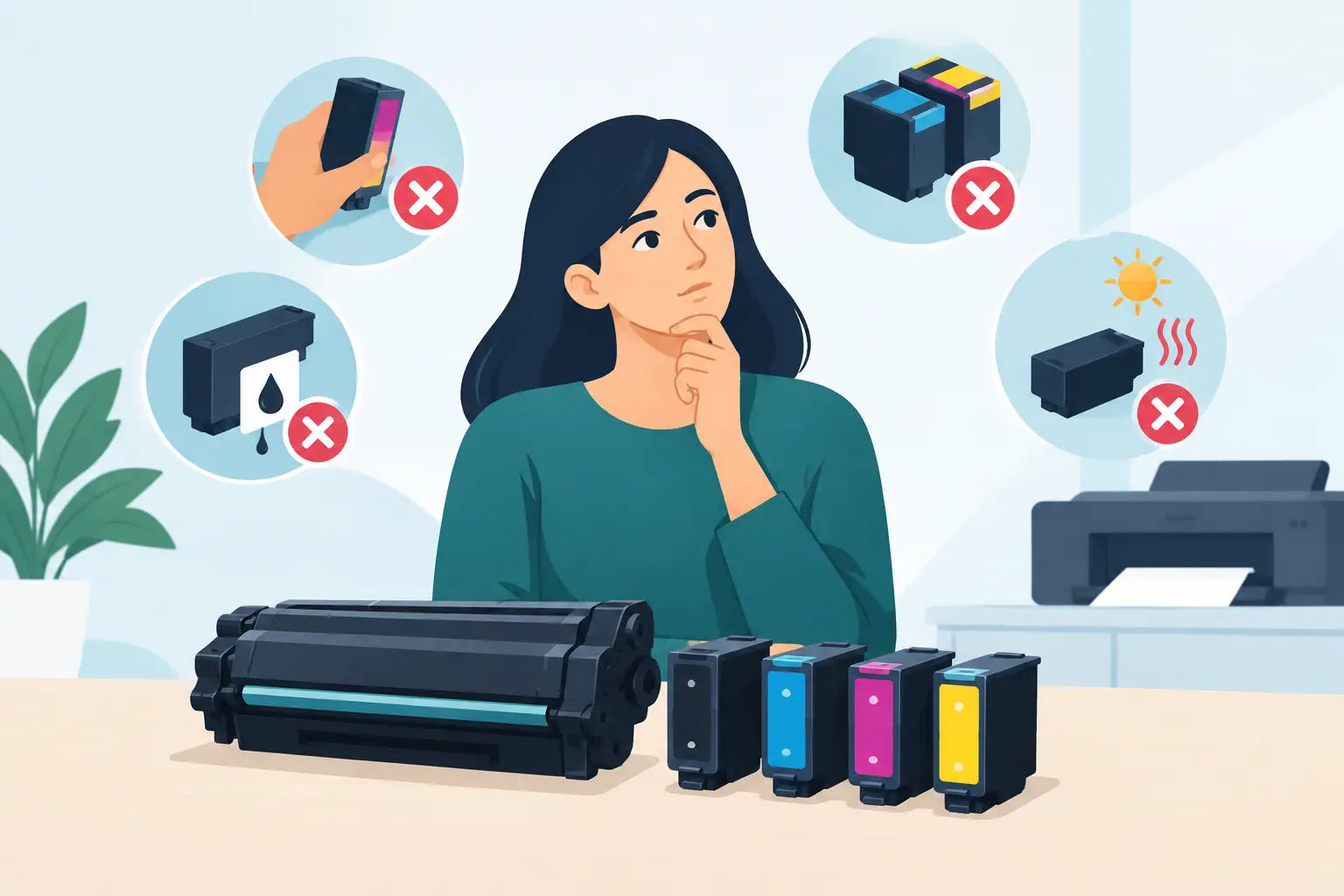
The cupboard above a sunny window, a hot garage or beside a heater is not an ideal cartridge storage spot. Heat and direct sunlight can affect ink, toner and packaging over time. Very humid areas can also be troublesome.
Store unopened cartridges flat where the instructions advise it, in a cool, dry location away from direct light. A normal indoor cupboard is usually suitable. Avoid leaving a spare cartridge in the car, ute tray or shed through an Australian summer. It may be convenient until you need it, but high temperatures can turn a saving into a replacement job.
Removing a cartridge before the printer is ready
If an ink cartridge is still producing acceptable pages, replacing it at the first low-ink warning can waste usable ink. Those warnings are designed to give you time to buy a replacement, not always to signal an immediate failure.
It depends on the job ahead. If you need to print a large report, assignment or invoices outside business hours, fitting a new cartridge early can be the practical choice. Otherwise, keep a spare on hand and continue until print quality starts to decline or the printer stops. With toner, gently rocking the cartridge from side to side can sometimes redistribute remaining powder for a small amount of extra printing. Do this carefully and only as a short-term measure, not as a substitute for ordering a new cartridge.
Print habits that create unnecessary waste
Running cleaning cycles repeatedly
When an inkjet print has gaps or streaks, a nozzle clean can help. But cleaning cycles use ink, and running several in a row can empty a cartridge surprisingly quickly.
Start with one cleaning cycle, then print a nozzle check or test page. If the issue remains, follow the printer's recommended process rather than repeatedly pressing clean. Infrequent printer use is a common cause of clogged nozzles, so printing a small page every week or two can help keep ink moving through the system.
Ignoring printer settings
Many people print every document in high-quality colour mode without realising it. That is useful for presentations, photos and client-facing materials, but unnecessary for draft documents, internal notes or school reading.
Use draft or standard quality for everyday text where it suits the purpose. Choose black and white when colour is not needed, and preview documents before printing to catch blank pages, oversized images or accidental duplicate copies. These small settings changes can make cartridges last noticeably longer without compromising the work that matters.
Mixing up a print fault with a cartridge fault
A pale page does not always mean the cartridge is empty. Paper settings, a blocked printhead, an ageing drum, an incorrectly seated cartridge or even damp paper can affect results. Replacing cartridges without checking the cause may not fix the problem.
Run the printer's built-in test page and inspect the pattern. Check that protective seals and tape have been fully removed from new cartridges, and make sure each cartridge is clicked into the correct slot. If a compatible cartridge shows an error, remove and reinstall it carefully before assuming it is faulty. Printers can be fussy after a cartridge change, and a restart may help the device recognise the new supply.
A little preparation is cheaper than an emergency dash for supplies. Keep your printer model and cartridge code handy, order before the last usable cartridge runs out, and choose the capacity that matches the way you actually print. That leaves you free to focus on the page in front of you, rather than the cartridge warning flashing beside it.