Ink Brands
 Office Printing Budget Guide for Small Businesses
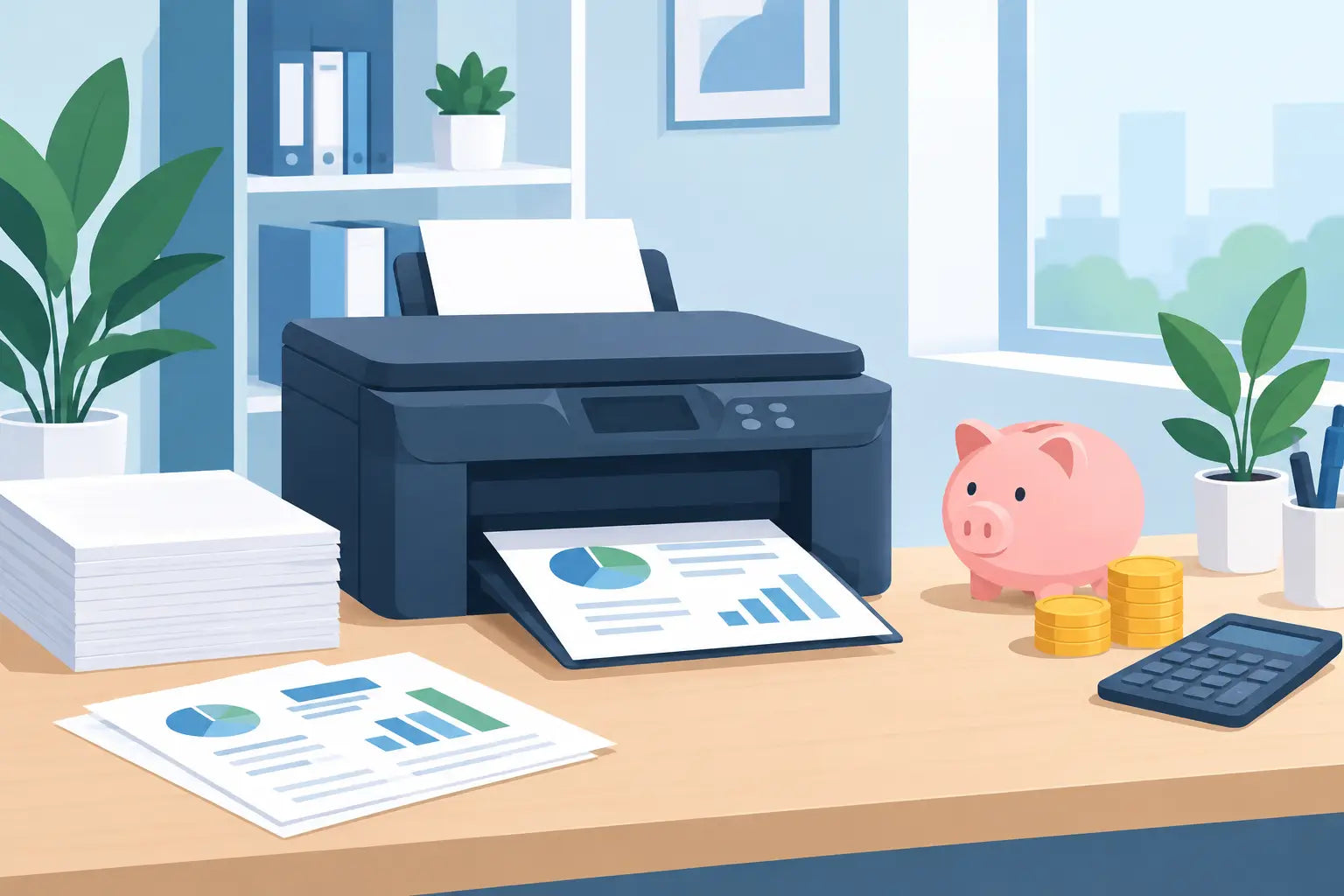
A printer that sits quietly in the corner can become an expensive part of running an office. The purchase price is only the start. Cartridges, paper, servicing, rush orders and unnecessary colour print jobs can add up without anyone noticing. This office printing budget guide helps Australian small businesses see where the money goes and make practical changes without slowing down the team.
Start with the real cost of office printing
A useful budget looks beyond what you paid for the printer or the last box of toner. Start by recording what your office spends on printing over three to six months. Include ink and toner cartridges, paper, printer repairs, maintenance agreements, replacement machines and any outsourced printing.
Then consider how much printing is actually happening. Most office printers can produce a usage report showing black-and-white and colour page counts. If that is not available, note the meter reading at the start and end of each month. Divide your total printing costs by the number of pages printed to find your average cost per page.
This figure does not need to be perfect to be useful. It gives you a baseline and makes it easier to spot whether one printer, department or type of job is costing more than expected. A business that prints invoices and packing slips has different needs from a design studio producing colour proofs, so compare costs against the work your printer must do.
Build an office printing budget that fits your workflow
Set a monthly or quarterly budget based on your normal print volume, then leave a small allowance for busy periods. Tax time, enrolments, tender submissions and seasonal promotions can all create a sudden demand for printing. Planning for that demand is cheaper than placing a last-minute cartridge order at any available price.
Separate recurring costs from occasional costs. Paper and cartridges are recurring costs. A replacement fuser, printer repair or new machine is an occasional cost, but it should still be allowed for over time. If your printer is approaching the end of its useful life, putting aside a modest amount each month can prevent an unexpected equipment bill from disrupting cash flow.
For many small businesses, the biggest controllable expense is consumables. A low-priced printer can use cartridges with a high cost per page, while a more capable laser printer may cost more upfront but be cheaper for frequent document printing. The right choice depends on volume, the need for colour and whether print quality is business-critical.
Estimate cartridge cost per page
Cartridge page yield is a helpful comparison tool. It is the estimated number of pages a cartridge can produce under standard test conditions. To estimate consumable cost per page, divide the cartridge price by its stated page yield.
For example, a $120 toner cartridge rated for 3,000 pages has an estimated toner cost of four cents per page. A $45 cartridge rated for 500 pages costs about nine cents per page. The higher-priced cartridge may therefore be the better-value purchase, particularly if it saves staff from changing cartridges as often.
Page yields are estimates, not guarantees. Documents with large photos, heavy graphics or solid colour backgrounds use more ink or toner than a simple text page. Treat yield figures as a comparison point, then refine your budget using your own usage over time.
Choose the right cartridge strategy
Genuine cartridges are made by the printer manufacturer and can be a sensible option where a business has strict manufacturer requirements, specialised colour work or a device still covered by a service arrangement that specifies genuine supplies. They are often the default choice, but not always the lowest-cost one.
Compatible cartridges are made by a third party for use in specific printer models. A quality compatible option can lower routine printing costs significantly, especially for offices producing high volumes of standard documents. The key is to buy from a supplier that clearly confirms compatibility, stands behind its products and makes it easy to get help if something is not right.
There is no single answer for every printer in the office. You may prefer genuine cartridges for a colour printer used for client-facing materials and compatible toner for a monochrome machine handling invoices, forms and internal paperwork. The sensible approach is to match the supply choice to the consequence of a print issue and the amount of money at stake.
Avoid buying cartridges solely because they are cheapest. An incorrect, poorly stored or unsuitable cartridge can create downtime, wasted paper and staff frustration. Confirm the exact printer model before ordering, rather than relying only on the cartridge number or how the old box looks.
Reduce waste before it reaches the printer
The fastest way to lower print costs is often to print fewer pages. That does not mean forcing every process onto a screen. Printed documents remain useful for customer paperwork, warehouse tasks, legal records and meetings where mark-ups matter. The goal is to remove printing that serves no real purpose.
Set black-and-white and double-sided printing as the default for everyday documents. Staff can still select colour or single-sided pages when needed, but the default encourages better decisions without creating friction. Draft mode can also be suitable for internal reviews, although it is not the best option for documents that represent your business externally.
Take a close look at common print jobs. Are people printing emails that could be saved as PDFs? Are meeting packs being printed before attendees confirm they will be there? Are forms being reprinted because versions are stored in different folders? Small changes to these habits can cut paper and consumable use more effectively than a one-off purchasing change.
Colour deserves particular attention. A colourful presentation may be worthwhile for a customer pitch, while a colour logo on every internal checklist is rarely necessary. Create a simple rule for staff: use colour when it improves understanding or reflects the standard required by the recipient, not just because it is available.
Keep stock without tying up too much cash
Running out of toner halfway through a payroll run or a customer order is inconvenient. Overstocking every cartridge, however, ties up funds and can leave you with supplies for a printer you no longer use. The right stock level depends on how quickly you print, how many devices rely on each cartridge and how fast you can receive replacements.
For your main printer, keep one spare of the cartridge that is most likely to run out. If you operate in a remote area, have high print volumes or depend on a printer for daily operations, holding an additional spare may be worthwhile. For lightly used printers, ordering when the low-toner alert appears is often enough.
Store unopened cartridges in a cool, dry place away from direct sunlight. Do not open them until they are needed. Good stock management is not glamorous, but it avoids panic purchases and helps make the most of every cartridge you buy.
Assign one person to monitor supplies
When everyone can order cartridges, it is easy to end up with duplicate orders, the wrong products or supplies sitting forgotten in a cupboard. Assigning one office manager, administrator or team member to monitor printer supplies gives your business a clearer view of spending.
That person does not need to control every print job. Their role is simply to check usage, confirm printer models, maintain a small spare supply and review orders against the budget. A monthly five-minute check can reveal patterns, such as a cartridge being replaced unusually quickly or a department printing far more colour pages than expected.
Know when the printer is the budget problem
If cartridges are being replaced frequently and repair bills are becoming common, the printer itself may no longer suit your needs. Older devices can be reliable, but their cartridge range may become harder to source and their running costs may be higher than newer alternatives.
Before replacing a printer, assess your actual monthly volume, whether you need colour, scanning or copying, and how many people use it. Buying a machine with far more capacity than you need wastes capital, while buying too small can lead to slow printing, frequent cartridge changes and premature wear.
Calculate likely running costs before making the decision. Compare cartridge yields and prices for the models you are considering, not just the sticker price of the printer. A little research at this point can save far more than chasing a small discount on the machine.
Make the budget a routine, not a rescue plan
Review printing spend every quarter and compare it with your page count. If spending rises, investigate before assuming prices are the problem. A change in staff numbers, a new reporting process, more colour documents or a printer fault may be the real cause.
For straightforward replenishment, Inkspot can help businesses identify supplies by printer model and choose between genuine and compatible cartridges with confidence. Ordering the right product the first time protects both the budget and the workday.
The best printing budget is one your team can follow without constant reminders. When the right defaults, cartridge choices and stock levels are in place, printing stays useful, predictable and far less likely to surprise you at the end of the month.