
 Ink Brands
 Which Toner Fits My Printer? Easy Ways to Check
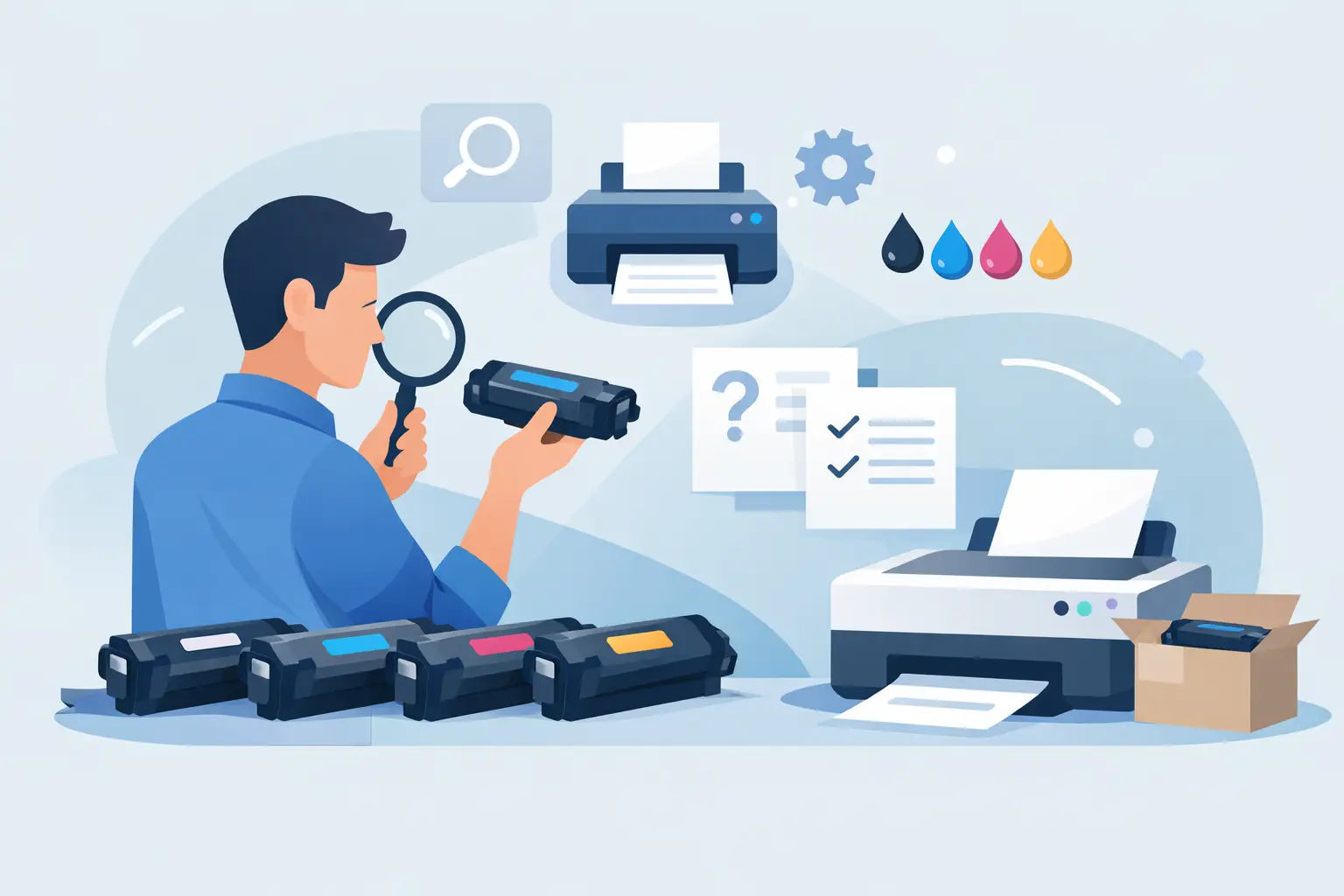
You usually find out the hard way when you order the wrong toner - the box arrives, the cartridge looks close enough, and then your printer rejects it. If you’ve been asking which toner fits my printer, the good news is that there’s a reliable way to check before you spend a dollar.
The trick is knowing what matters and what doesn’t. Printer brand matters, but it’s not enough on its own. Cartridge shape can look similar across models, and toner names can be frustratingly close. The right match comes down to the exact printer model, the correct cartridge series, and whether you want a genuine or compatible option.
Which toner fits my printer? Start with the printer model
The safest place to start is your printer’s full model number. Not just the brand, and not just the range.
For example, saying you have a Brother laser printer or an HP LaserJet narrows things down a little, but not nearly enough to order toner confidently. Manufacturers produce dozens of machines that use different cartridges, even within the same family. One extra letter at the end of the model number can change the toner you need.
You’ll usually find the model number on the front of the printer, on a label near the scanner bed, behind the front panel, or on the back of the unit. It may look something like Brother HL-L2350DW, HP LaserJet Pro M404dn, or Fuji Xerox DocuPrint P225 d. Write it down exactly as shown, including letters, numbers and hyphens where relevant.
If your printer is connected to a computer, you can also check the installed printer name in your print settings. That can help, although sometimes computer settings shorten the model name, so it’s still worth checking the printer itself.
Why toner compatibility can be confusing
A lot of buyers assume toner works like paper - if it fits in the tray, it should work. Toner doesn’t work that way.
Laser printers are designed to recognise specific cartridge ranges. Even if two cartridges look similar, they may have different chips, page yields or physical notches. Some printers also use separate toner cartridges and drum units, which adds another layer of confusion. If you replace one when the other is actually the issue, you can end up paying for the wrong product and still have poor print quality.
Naming conventions don’t help either. A cartridge code such as TN-243 might sit right next to TN-245 in a product list, but that doesn’t mean they are interchangeable. In some cases, one is standard yield and the other is high yield. In others, they belong to different regions or machine families.
That’s why the best question isn’t just which toner fits my printer, but which cartridge code is made for my exact model.
Check the old cartridge if you still have it
If you’re replacing toner and the previous cartridge worked properly, that old cartridge is one of the quickest ways to confirm compatibility.
Remove it and look for the cartridge code printed on the label. This code is usually more useful than the printer range name because it points to the exact consumable used by the machine. Once you have that code, you can match it directly when ordering a replacement.
There is one catch. If the old cartridge came with a second-hand printer, or if someone else ordered supplies in the past, don’t assume it was the ideal choice. It may have been a compatible cartridge from a different supplier, a low-yield version when a high-yield version would also fit, or in rare cases, the wrong cartridge forced into the machine. So use the old cartridge as a clue, not your only proof.
Genuine or compatible toner?
Once you know which toner fits your printer, the next decision is whether to buy genuine or compatible.
Genuine toner is made by the printer manufacturer. It’s the option many people choose when they want brand-original supplies, especially for warranty confidence, highly specific print requirements, or managed office setups where consistency matters more than cost.
Compatible toner is a lower-cost alternative made to work with the same printer model. For plenty of home users, students, small offices and businesses trying to keep printing costs under control, it can be a smart option. The savings can be significant, especially if you print regularly.
The trade-off is that quality can vary between suppliers. A well-made compatible cartridge can perform very well, but a cheap no-name option from an unreliable seller can lead to poor print density, leaking toner or chip recognition problems. That’s why supplier choice matters just as much as cartridge choice.
For many buyers, it comes down to priorities. If you want the manufacturer’s own product, choose genuine. If you want to cut costs without taking unnecessary risks, buy a compatible cartridge from a trusted Australian retailer with clear compatibility information and support if something goes wrong.
Standard yield vs high yield toner
This is another point that catches people out. Even after you find the right cartridge family, you may still have two or more yield options.
Standard yield toner costs less upfront and suits lighter printing. High yield toner usually costs more at the checkout but gives you more pages, which often means a lower cost per page. If you print schoolwork, invoices, reports or shipping labels every week, high yield can make better financial sense.
Not every printer supports every yield option, though many do. It depends on the cartridge series. If both fit your machine, the decision is really about usage. A home user printing the odd return label might be better off with standard yield. A busy office usually benefits from fewer cartridge changes and a better page yield.
How to avoid ordering the wrong toner
The easiest way to avoid a mismatch is to verify the printer model against a compatibility-based search tool rather than relying on product photos. Photos are helpful, but they are not a compatibility check.
You should also watch for common mistakes. One is confusing toner with ink. If you have a laser printer, you need toner. If you have an inkjet printer, you need ink cartridges. Another is buying based only on brand. HP, Canon, Brother and Epson all make multiple printer types, and they don’t share consumables across the board.
It also helps to be careful with region-specific models and similar naming. A printer ending in one letter may use a different cartridge from a model ending in another. That’s why exact matching matters.
If you’re unsure, stop before ordering and double-check. A few extra minutes can save you the hassle of returns, printer downtime and wasted money.
Which toner fits my printer if I run a small business?
If you’re buying for a business, there’s usually more at stake than one delayed print job. The wrong toner can hold up invoices, packing slips, school materials, presentations or customer paperwork.
In that case, compatibility is only part of the decision. You also want to think about page yield, replacement frequency and whether colour accuracy matters for your work. A business printing mostly black text may only care about reliability and cost per page. A workplace printing client-facing documents may want the consistency of genuine toner, or a proven compatible range with dependable results.
If more than one person orders supplies for the office, it’s worth keeping a record of the exact printer model and cartridge code. That simple habit cuts down repeat mistakes and makes reordering much quicker.
What if the printer uses a drum as well?
Some laser printers use an all-in-one cartridge, while others use separate toner and drum units. If print quality drops, people often assume the toner is empty when the drum is actually worn out.
Signs of a drum issue can include repeating marks down the page, faded sections, ghosting or generally untidy output even after replacing toner. That doesn’t mean every print problem is a drum problem, but it’s worth checking your printer’s design before you order.
If your machine uses separate components, make sure you’re replacing the part that has actually reached the end of its life. Otherwise, you can spend money and still end up with the same problem.
The simplest way to get it right
If you want the shortest answer to which toner fits my printer, it’s this: match the exact printer model to the correct cartridge code, then choose the yield and cartridge type that suits your budget and printing habits.
That approach is far more reliable than guessing from the cartridge shape, the printer brand or a product image. It also gives you a clearer sense of value. Once you know your exact match, you can compare genuine and compatible options properly instead of buying in a rush and hoping for the best.
Printing supplies shouldn’t feel harder than setting up the printer in the first place. A careful check now makes the next reorder quicker, cheaper and much less annoying.