
 Ink Brands
 Printer Model Cartridge Finder Made Simple
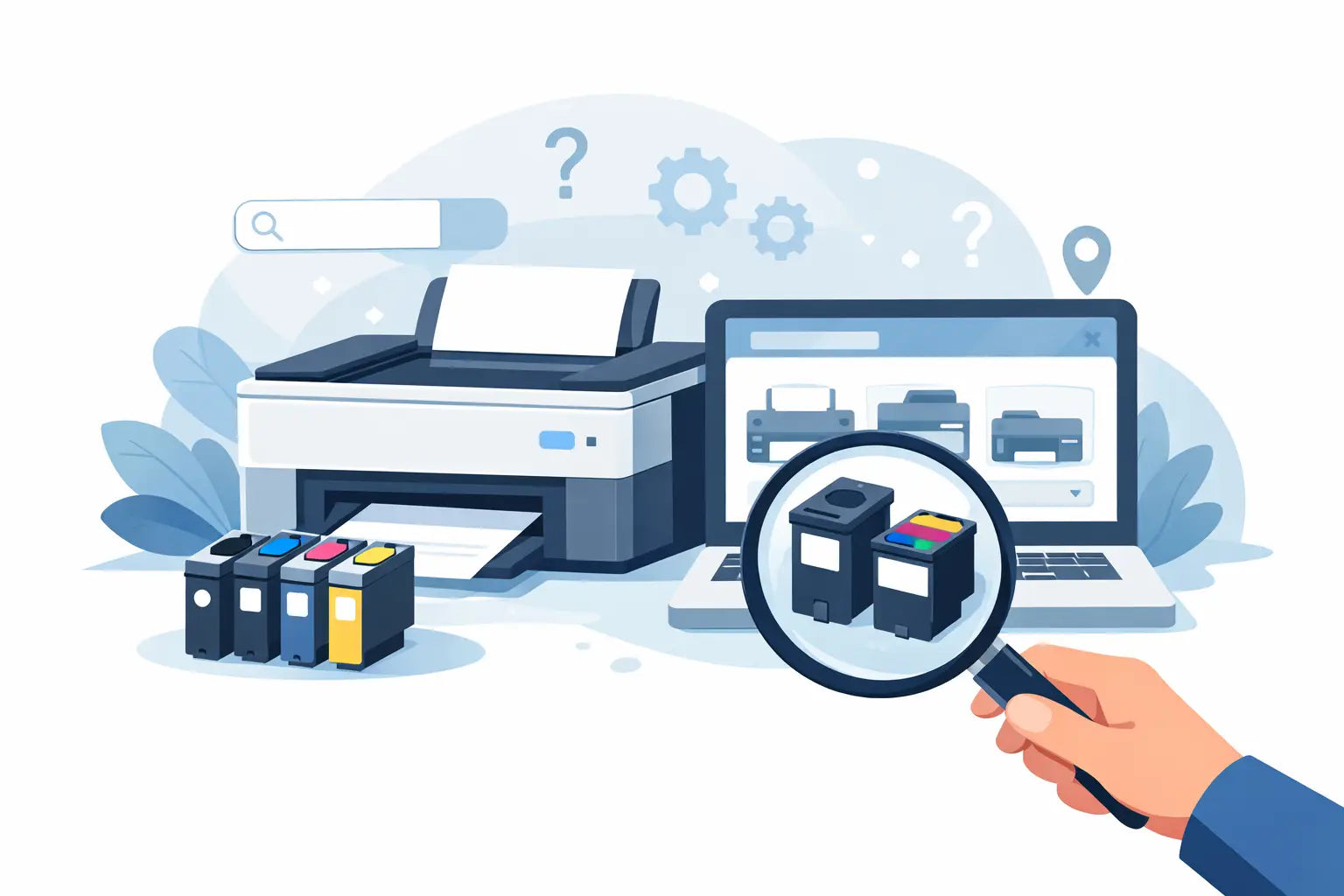
Ordering the wrong cartridge is one of those annoyingly easy mistakes. Printer names are often similar, cartridge numbers are rarely memorable, and one missing letter in a model code can leave you with supplies that simply do not fit. A printer model cartridge finder cuts through that confusion by matching your exact printer to the right ink or toner in a few steps.
For home users, that means less guesswork before school assignments, shipping labels or tax paperwork need printing. For offices, it means fewer delays, fewer returns and less money tied up in the wrong consumables. When you buy printer cartridges regularly, getting the selection process right matters almost as much as the price.
What a printer model cartridge finder actually does
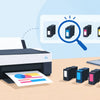
A printer model cartridge finder is a search tool built around the printer you already own. Instead of trying to remember whether your machine takes a 812, 812XL, 962, 140 or something else entirely, you enter the printer brand and model, and the tool shows the cartridges that fit.
That sounds simple, but it solves a very real problem. Most customers know the printer sitting on their desk better than the cartridge number hidden inside it. You might know you have a Brother MFC, an Epson WorkForce, or an HP ENVY, but not the exact ink series it uses. Searching by printer model is usually the fastest and safest route.
It also helps reduce a common issue in cartridge shopping - buying based on what looks familiar. Printer ranges often include models with almost identical names, but they do not always use the same consumables. A good finder removes that uncertainty and shows only compatible options for that machine.
Why shopping by printer model is usually the safer option
There are two common ways people shop for cartridges. The first is by cartridge number, which works well if you already know exactly what you need. The second is by printer model, which tends to be better for everyone else.
Model-based shopping is safer because printer manufacturers make cartridge naming more confusing than it needs to be. The same brand can have multiple cartridge families across home, office and photo printers, and the packaging is not always intuitive at a glance. If you are in a hurry, it is easy to pick the wrong one.
A printer model cartridge finder is especially useful when you are replacing cartridges for someone else. Maybe you are ordering for the family printer, a school admin office, a small business, or a remote worker on your team. In those cases, the printer model is usually easier to confirm than the cartridge number.
There is still a place for cartridge-number shopping. If you have the empty cartridge in hand and the number is clear, that can be a quick shortcut. But if there is any doubt, model search is the better choice.
How to use a printer model cartridge finder without mistakes
The key is accuracy. A finder is only as helpful as the model information you enter, so it pays to check the full printer name properly.
Start by looking at the front of the printer, the top panel, or the label near the control screen. Most printers display the brand and model clearly, although some tuck the full code onto a sticker on the back or underneath the scanner lid. Write it down exactly, including any letters, hyphens or series names.
That last detail matters more than many people realise. A printer labelled HP OfficeJet Pro 9010 is not necessarily the same as a 9015 or 9020. Canon PIXMA models can vary by a few characters. Brother laser and inkjet lines can look similar in name but use very different supplies. A missing digit can lead to the wrong result.
Once you enter the model, the finder should show the compatible cartridges available for that printer. In many cases, you will then see a choice between standard and high-yield cartridges, and between genuine and compatible options.
That is where convenience turns into smarter buying.
Genuine or compatible cartridges - which should you choose?
After using a printer model cartridge finder, most buyers face the same next question: should you stick with genuine cartridges or save money with compatible ones?
The answer depends on what you print, how often you print, and how price-sensitive you are. Genuine cartridges are made by the printer brand itself. Some customers prefer them for consistency, manufacturer branding, or peace of mind, especially in workplaces with strict purchasing policies.
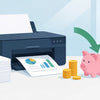
Compatible cartridges are third-party alternatives made to work with specific printer models. They are popular because they can offer a much lower cost per page, which is a big advantage for homes and businesses that print regularly. For many everyday printing jobs, that price difference is hard to ignore.
There is no one-size-fits-all answer here. If you print client-facing colour materials, photos, or specialist documents, you may prefer genuine supplies for some machines. If you print invoices, forms, worksheets, labels or general office documents, compatible cartridges can be an easy way to bring printing costs down.
The important point is that a good finder does not just show one cartridge. It helps you compare the right options for your printer, so you can choose based on budget and usage rather than guesswork.
The hidden cost of getting cartridges wrong
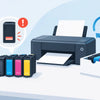
Most people think the biggest risk is buying a cartridge that does not fit. That is part of it, but the real cost is broader.
When the wrong item arrives, you lose time checking the order, arranging a return and waiting for the replacement. If it is your home printer, that is frustrating enough. If it is an office printer that handles shipping paperwork, customer forms or day-to-day admin, the delay can disrupt more than one task.
There is also the cost of overbuying the wrong type. Some customers accidentally order standard-yield cartridges when a high-yield version would have been better value. Others buy a single colour when their printer requires a specific multi-pack setup. A clear finder helps avoid both problems by showing what suits the machine and making the available formats easier to compare.
This is where confidence matters. People do not just want cheap cartridges. They want to feel sure that what they order will work when it lands.
What to look for in a good printer model cartridge finder
Not all search tools are equally helpful. The best ones do more than return a generic list.
A useful finder should make it easy to search by brand first, then narrow by model. It should clearly separate ink from toner, because customers do not always know which category their printer falls into. It should also display compatible cartridge choices in plain language, without burying the practical differences between products.
It also helps when the tool supports real purchasing decisions rather than just identification. That means showing whether there are high-yield versions, multipacks, genuine options and lower-cost compatible alternatives for the same printer. The more clearly those choices are presented, the easier it is to order with confidence.
Support still matters too. Even with a good tool, some printer models are old, region-specific, or awkwardly labelled. Having access to local help can make the difference between a quick fix and a wasted order. That is part of why many Australians prefer buying from a specialist retailer rather than a giant marketplace with generic listings.
Printer model cartridge finder tips for homes and small businesses
If you buy cartridges more than once or twice a year, there are a few habits worth keeping.
First, save your exact printer model somewhere easy to find - in your phone notes, in the office supply list, or on a label near the printer. That turns reordering into a two-minute job.
Second, think beyond the cheapest unit price. If your printer gets regular use, high-yield cartridges often make better sense over time. You pay more upfront, but usually less per page.
Third, match the cartridge type to the job. A home user printing occasionally may not need bulk packs. A business that chews through black toner every month probably does.
And finally, if multiple people order supplies for the same printer, standardise the process. Using the same printer model cartridge finder each time cuts down on mix-ups and keeps purchasing consistent.
For Australian buyers, speed and reliability matter as much as price. When you run out, you usually need the replacement moving quickly, not after a long back-and-forth over compatibility. That is why practical tools, clear product choices and dependable local support matter so much in this category.
Ink and toner should not be hard to buy. If you start with the printer model instead of the cartridge guess, you give yourself the best chance of getting the right fit first go, saving money where it makes sense, and keeping the printer ready when you need it.