
 Ink Brands
 How to Reduce Printing Costs Without the Hassle
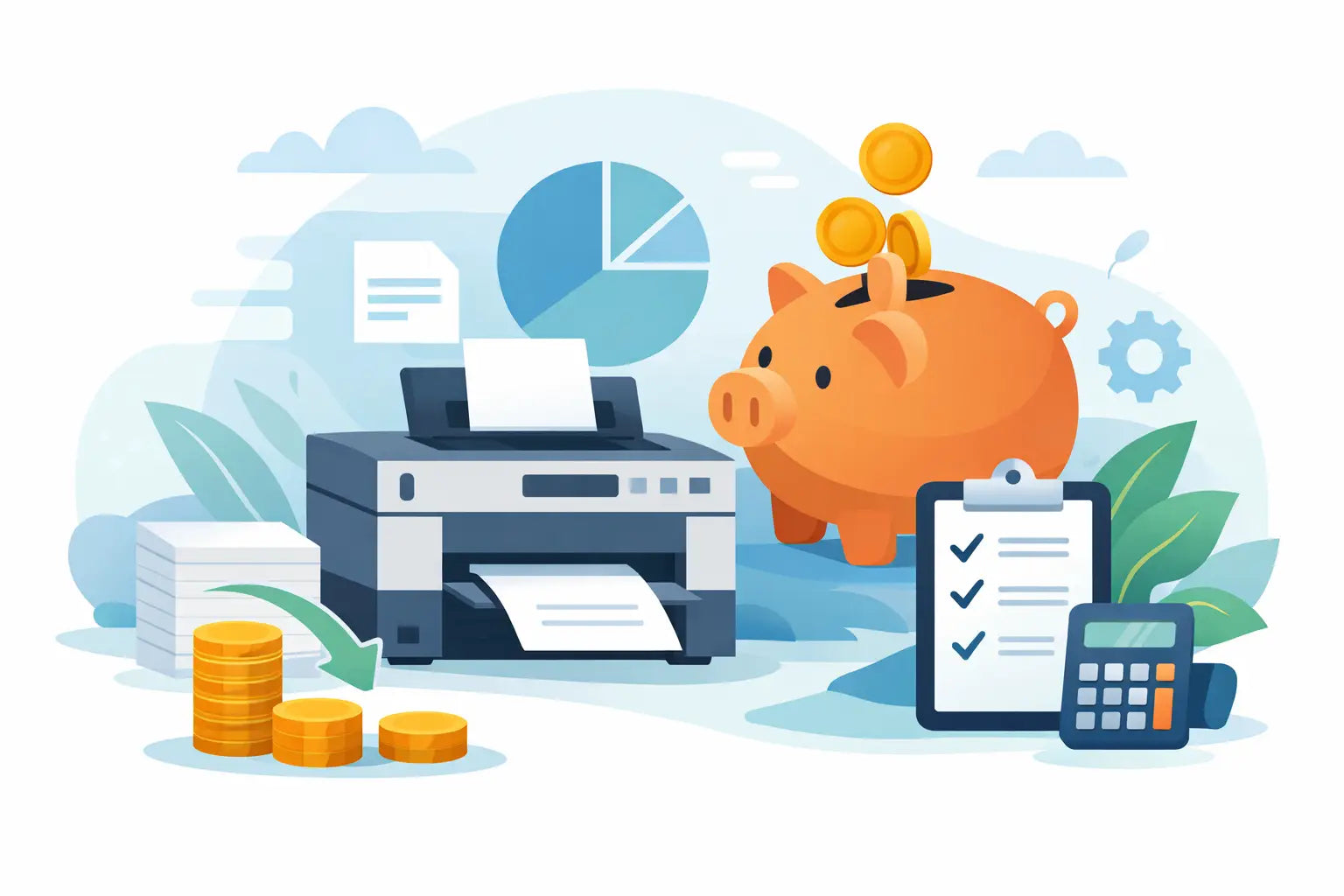
A printer usually feels cheap right up until it starts asking for cartridges. That is where the real cost of printing shows up, especially for households, students, remote workers and small businesses that print often. If you are wondering how to reduce printing costs, the good news is you do not need to replace everything or put up with poor results. A few smarter choices can make a noticeable difference.
The biggest mistake most people make is focusing only on the upfront price of the printer. In practice, ongoing costs matter far more. A bargain printer with expensive cartridges can cost much more to run over a year than a slightly dearer model with better page yields. The same goes for buying whatever cartridge is available at the nearest shop instead of planning ahead and comparing options.
How to reduce printing costs starts with the cartridge
For most people, cartridges are the single biggest printing expense. That means this is the first place to look if you want meaningful savings.
Genuine cartridges are made by the printer brand, and there are good reasons some buyers prefer them. They are designed specifically for that machine, they are predictable, and they can be the right choice for businesses that print client-facing documents where consistency matters. The trade-off is price. OEM cartridges are often the most expensive way to keep a printer running.
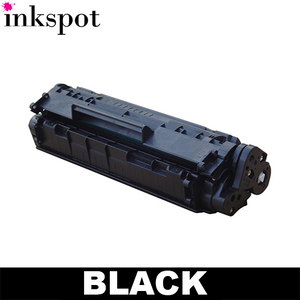
Compatible or aftermarket cartridges can bring the cost per page down substantially. For many home users and offices, they offer the best balance of value and performance. The key is buying from a supplier that clearly matches cartridges to your printer model and stands behind the product. Cheap no-name stock from an unknown seller may save money once, but not if it causes poor print quality, leaks or wasted replacements.
Page yield matters just as much as sticker price. A cartridge that costs less is not always better value if it prints far fewer pages. If you compare cost per page instead of cost per cartridge, the cheaper option becomes easier to spot. High-yield cartridges often work out better for frequent printing, even though the upfront spend is higher.
Print less, but print better
The fastest way to cut printing costs is simple - avoid unnecessary printing. That does not mean stopping altogether. It means being a bit more selective.
Before hitting print, check whether the document really needs to be on paper. Internal drafts, reference material and forms can often stay digital. If a document does need printing, make sure the final version is ready. Reprinting because of a typo, wrong page order or missing attachment wastes paper, ink and time.
It also helps to reduce heavy coverage. Large coloured backgrounds, photos and graphics use more ink than plain text and light formatting. If a document is for internal use only, a simpler layout can lower cartridge use without affecting the result.
For businesses, this is often more about habits than policy. Staff will usually print what is easiest. Setting sensible defaults and keeping digital workflows straightforward can reduce waste without turning printing into a chore.
Use printer settings that save ink and toner
Many printers are set up for standard or high-quality output by default, even when that level of quality is not needed. Adjusting a few settings can reduce running costs straight away.
Draft mode is one of the easiest wins. For working copies, school notes or internal documents, draft quality uses less ink while staying readable. If you only need black text, switch to greyscale or black-and-white printing instead of using colour by default.
Duplex printing is another simple saver. Printing on both sides of the page cuts paper use nearly in half for many jobs. Not every printer has automatic duplexing, but if yours does, it is worth enabling. If it does not, manual double-sided printing can still help when the document size makes sense.
You should also check whether your printer software allows you to preview jobs before printing. This can catch blank pages, formatting issues and accidental extra copies before they become waste.
Match the printer to the job
Sometimes the reason printing costs are high is that the printer itself is a poor fit.
Inkjet printers are often ideal for homes and lower-volume colour printing. They can produce excellent images and are usually cheaper to buy. But if you print large volumes of black text every week, a laser printer may be more economical in the long run because toner tends to deliver a lower cost per page.
On the other hand, a business that occasionally prints brochures or colour-heavy material may still be better off with an inkjet, especially if image quality matters more than speed. There is no universal winner here. It depends on what you print, how often you print, and whether colour is essential.
If your current machine burns through small cartridges quickly, upgrading to a model that supports high-yield consumables can make a real difference. That is not the cheapest short-term fix, but it can be the smarter long-term one.
Buy smarter, not just cheaper
Running out of ink at the wrong time often leads to rushed buying decisions. That is when people overpay.
Planning ahead gives you more control. When you know your printer model and cartridge number, it is easier to compare options and buy the right product before it becomes urgent. That matters for home users, but even more for offices where downtime can disrupt the day.
Multipacks can offer better value if you print regularly, particularly for common cartridge sets. Free shipping thresholds can also change the real cost of an order, so it is worth considering total basket value rather than looking at one item in isolation. A reliable supplier with clear compatibility information, fast delivery and a sensible returns policy can save money indirectly too, because ordering the wrong cartridge is an expensive nuisance.
This is where many buyers benefit from using a printer-model-based search rather than trying to decode packaging. It reduces mistakes and gives you a clearer view of both genuine and compatible options for your machine.
Avoid waste that shortens cartridge life
People often assume a cartridge is empty when the printer warning appears. In reality, many printers issue low-ink alerts well before the cartridge is truly finished. If print quality is still fine, you may be able to keep using it for a bit longer. Replace it when the output tells you it is time, not only when the warning flashes up.
Storage matters as well. Spare cartridges should be kept sealed and stored correctly so they do not dry out or deteriorate before use. If you print infrequently, try to run a small print job now and then. Long idle periods can lead to clogged printheads, which wastes ink during cleaning cycles.
Printer maintenance is another overlooked cost factor. A poorly maintained printer can chew through supplies faster, either because of repeated cleaning, alignment issues or failed print jobs. Basic upkeep is not glamorous, but it is cheaper than replacing half-used cartridges after a run of smudged pages.
How to reduce printing costs in a small business
For small businesses, printing costs can creep up because no one owns the problem. One person orders cartridges, someone else chooses the printer settings, and everyone prints differently. A few small controls can fix that.
Start by setting default preferences across the office - black-and-white, duplex and standard quality where appropriate. Review whether every team really needs colour printing or whether a single colour printer can handle those jobs. Keep a record of which printers use which cartridges so reordering is simple and accurate.
It is also worth standardising devices where possible. If an office has five different printers using five different cartridge types, stock management becomes messy and expensive. Fewer models usually means easier replenishment and less chance of buying the wrong consumables.
For businesses that print regularly, dependable supply matters almost as much as price. Saving a few dollars on a cartridge is not much help if delivery delays stop the printer when invoices, labels or forms need to go out.
The cheapest print is the one that still works
There is always a point where chasing the lowest possible price stops being good value. A cartridge that prints poorly, arrives late or turns out to be incompatible is not a bargain. The better approach is to look for the lowest sensible running cost while keeping print quality and reliability where you need them.
That is why the best answer to how to reduce printing costs is usually a mix of choices rather than one dramatic fix. Use the right cartridge type for your needs, compare yield instead of just price, adjust your settings, and avoid waste before it starts. If buying cartridges has been more confusing than it should be, a specialist retailer such as Inkspot can make the process simpler by helping you find the right fit for your printer without the usual guesswork.
Printing does not have to be cheap at the expense of quality. It just needs to be managed with a bit more intention.