
 Ink Brands
 How to Check Cartridge Compatibility
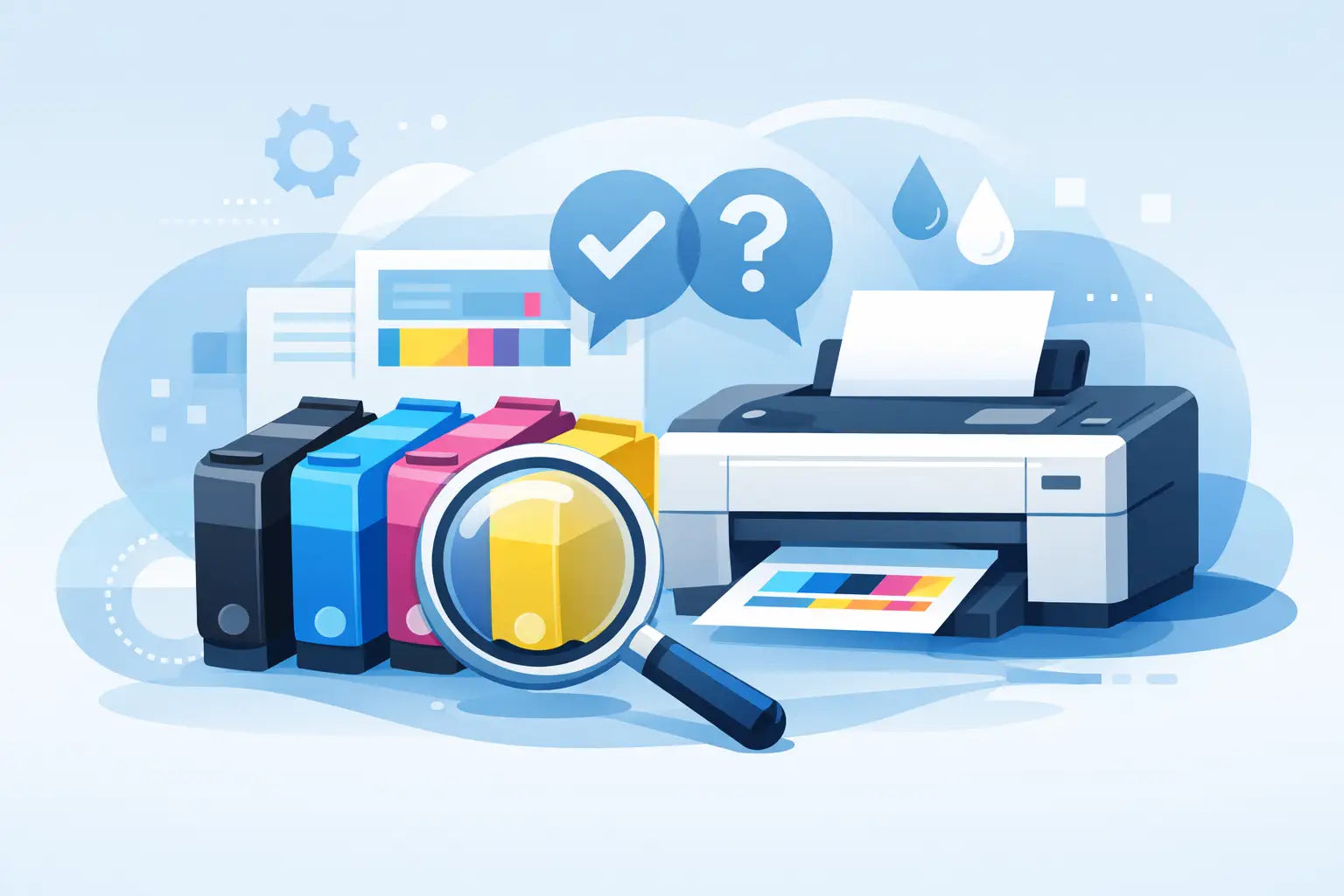
Ordering the wrong cartridge usually starts with a small mistake - a missing letter in the printer model, an assumption that cartridges from one machine will fit another, or a quick reorder based on how the old pack looked. If you have ever opened a new cartridge only to find it does not fit, you already know why knowing how to check cartridge compatibility matters.
The good news is that compatibility is usually straightforward once you know what to look for. You do not need to be a printer technician. In most cases, the right answer comes from matching the exact printer model and the exact cartridge series, then checking whether you want a genuine or compatible option.
How to check cartridge compatibility before you buy
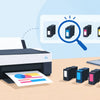
Start with the printer model, not the cartridge shape or the brand name on the front of the machine. Two printers from the same brand can use completely different cartridges, even if they look similar and were bought around the same time.
The model number is normally printed on the front, top, or inside the printer access door. It might look something like HP ENVY 6020, Brother MFC-J4540DW, or Canon PIXMA TS5360. What matters is the full model, including any letters at the end. Those last characters often separate one cartridge family from another.
Once you have the printer model, check which cartridge numbers are made for that machine. Cartridge numbers are the real compatibility key. For example, an Epson printer may use 212, 220, or 252 cartridges depending on the exact model. A Brother printer may use LC3319XL or TN-253, depending on whether it takes ink or toner. If the cartridge number does not match the printer’s supported series, it is not the right fit.
That sounds simple, but there are a few places people get caught out.
Printer brand is not enough
Saying you need a cartridge for an HP, Canon, Epson or Brother printer is only the first step. Brands make dozens, sometimes hundreds, of cartridge families. A cartridge that fits one HP DeskJet may not fit another HP DeskJet sitting right next to it in the shop.
This is why shopping by printer model is usually safer than shopping by cartridge appearance. Packaging design changes. Cartridge housings can look almost identical. The internal chip, nozzle design or slot configuration can still be different.
Check the full model code
A close match is not a match. If your printer is a Canon TS6360a, do not assume a TS6360 listing is always identical unless the seller clearly confirms it. The same goes for wireless variants, regional variants and business-series models with extra letters.
For home users, this often happens after moving house or replacing a printer in a hurry. For offices, it happens when several similar printers are in use and someone reorders based on memory rather than the asset label.
Where to find the correct cartridge number
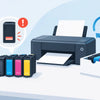
If your old cartridge is still installed, remove it carefully and read the number printed on the label. This is often the quickest way to confirm what you need. You may see a standard-yield number, an XL version, or a toner code with a colour reference.
If the old cartridge is missing or unreadable, check the printer manual, the printer settings screen, or the brand’s cartridge guide. Many printers also show cartridge information in the print utility on your computer. Some will even display low-ink alerts with the cartridge number.
There is one catch. If the cartridge currently in the printer was installed by a previous owner, a technician, or an office supplier, it is worth confirming it against the printer model anyway. Most of the time it will be correct, but relying on the existing cartridge without checking can lead to repeat mistakes.
Genuine and compatible cartridges use the same fit rules
One common point of confusion is whether compatible cartridges follow different compatibility rules. They do not. If a compatible cartridge is made for your printer, it should match the same cartridge number and printer model range as the genuine version.
The difference is the manufacturer, not the intended fit. Genuine cartridges come from the printer brand itself. Compatible cartridges are made by a third party to work in supported printers. For many buyers, compatibles are a practical way to reduce printing costs, especially for home offices, students and small businesses that print regularly.
That said, compatibility still depends on buying from a supplier that clearly lists supported printer models and cartridge codes. A vague product description is a warning sign. If the listing does not tell you exactly which printers the cartridge suits, keep looking.
How to check cartridge compatibility for ink versus toner
Ink and toner are checked in much the same way, but the buying habits around them are different.
With inkjet printers, people often replace cartridges one at a time and may only pay attention when a single colour runs out. That makes it easy to grab the wrong cyan or magenta if the numbering is similar. With laser printers, toner cartridges tend to be larger purchases, so mistakes are more expensive and more frustrating.
It is also worth checking whether your printer uses separate drum units, waste toner bottles or maintenance boxes. These are not the same as toner cartridges, even though they are often bought at the same time. If your printer asks for a drum replacement, a toner cartridge will not solve the message.
Watch for standard and high-yield versions
If your printer supports both standard and high-yield cartridges, both can be compatible. An XL or high-yield version is simply designed to print more pages before replacement. The fit is often the same, but the page yield is different.
This is good news if you want to lower your cost per page. It is less good if you buy a high-yield cartridge assuming every printer in that series accepts it. Some do, some do not. The product listing or compatibility checker should confirm it clearly.
The easiest way to avoid mistakes
The most reliable method is to use a printer-model-based search tool rather than browsing by brand alone. When you enter the exact printer model, you narrow the results to cartridges that are intended for that machine. That cuts out most of the guesswork and helps you compare genuine and compatible options side by side.
For households, this saves time and helps avoid panic buying when the printer stops right before school assignments or travel documents need printing. For businesses, it reduces ordering errors, wasted spend and downtime.
If you are ordering for more than one printer, keep a simple record of each machine’s model and cartridge number. A note in your ordering system, stationery cupboard or office spreadsheet is often enough. It sounds basic, but it prevents plenty of repeat errors.
Signs a cartridge may not be compatible
Sometimes the warning signs appear before you buy. If the listing only mentions a brand and not a model range, be careful. If the packaging looks generic but does not show a cartridge number, be careful. If the price seems unusually low and the description is thin, be careful.
Other times, the signs show up after installation. The cartridge might not seat properly, the printer may display a recognition error, or the access door may not close cleanly. In some cases the issue is a protective strip that has not been removed. In others, it is simply the wrong cartridge.
Do not force it into place. Cartridges should fit as designed. If they do not, stop and recheck the model and code.
When compatibility gets tricky
Refurbished printers, office fleet changes and regional model differences can all make compatibility less obvious. So can printers sold as part of special retailer bundles. In these cases, the exact model number matters even more than usual.
There are also printers that use starter cartridges when first installed. Those starter cartridges may have different yields from the replacements you buy later, but the replacement range still needs to match the printer’s supported cartridge series.
If you are ever choosing between two almost-identical options, the safest move is to verify the printer model and ask for support before ordering. A good cartridge supplier should make that process quick rather than making you decode printer jargon on your own.
For most buyers, how to check cartridge compatibility comes down to one habit: match the exact printer model to the exact cartridge number every time, even if you have bought before. It takes an extra minute, but it is a lot faster than dealing with the wrong cartridge on a busy day. If you want to keep printing costs under control without the usual hassle, a careful check up front is where the savings start.