
 Ink Brands
Consumables Buying Guide for Smarter Printing
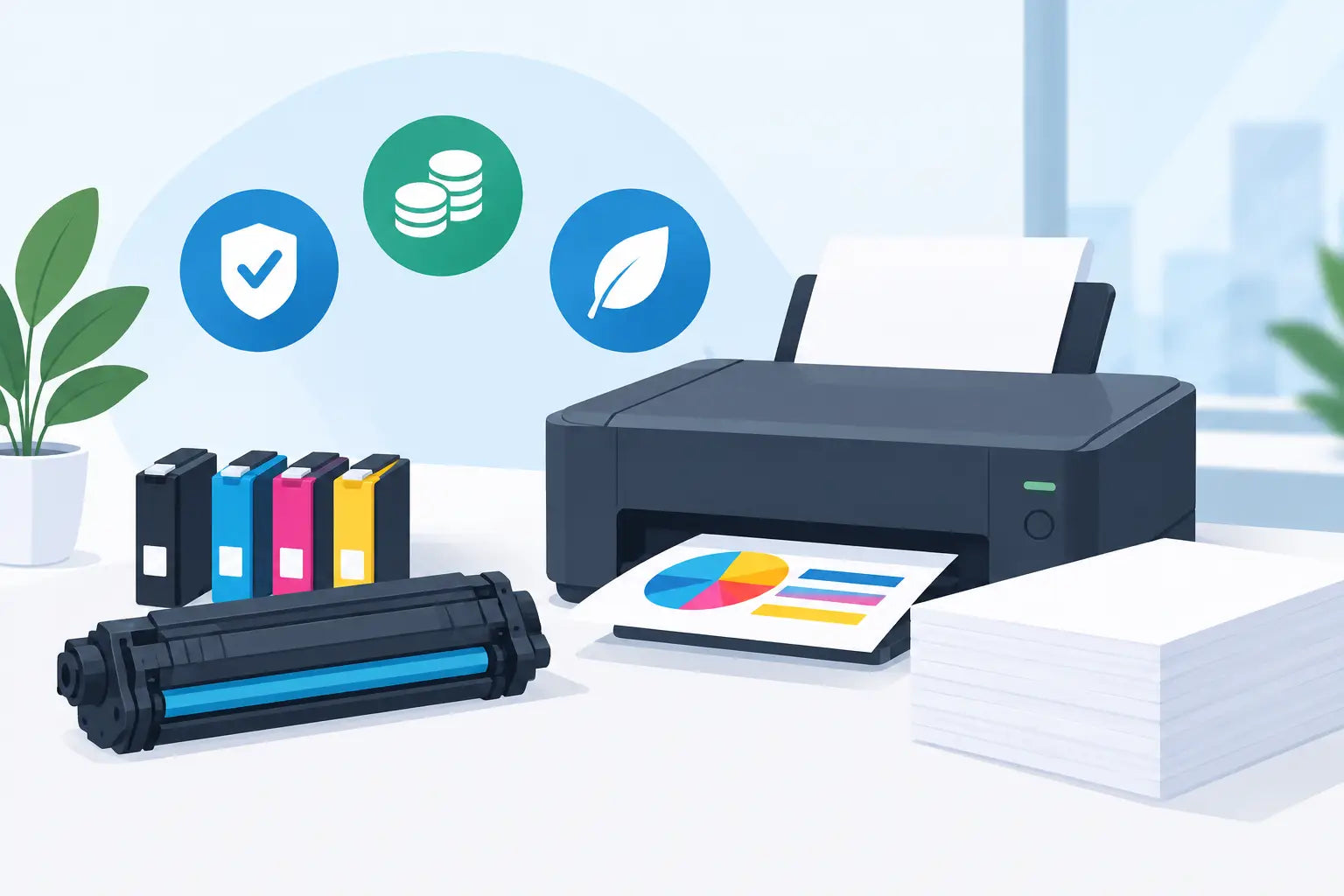
A replacement cartridge can look right, sound right and still be wrong for your printer. One extra letter in a cartridge code, a similar-looking printer series, or the choice between standard and high-yield can turn a simple order into a frustrating delay. This consumables buying guide takes the guesswork out of buying ink and toner, so you can order with confidence and keep printing costs under control.
Start with your printer model, not the cartridge photo
The safest way to buy printer consumables is to identify your exact printer model first. You will usually find it on the front or top of the machine, on a label at the back, or in your printer settings. Record the whole model name, including any letters or numbers at the end.
That detail matters. Printers in the same family may use different cartridges, even where their names are almost identical. A cartridge designed for one HP, Canon, Epson, Brother or Fuji Xerox model is not automatically suitable for another in the range.
If you already have an empty cartridge, check the code printed on its label as a second confirmation. This is useful, but the printer model should remain your main reference. Cartridge codes can be confusing where manufacturers offer regional variations, multipacks or updated versions.
For regular orders, save your printer model somewhere handy or use a printer-model search tool. It is a small step that prevents the most common buying mistake: ordering a cartridge that cannot be installed.
Genuine or compatible consumables: which should you choose?
Most buyers are deciding between genuine cartridges made by the printer manufacturer and compatible cartridges made by a third-party supplier. Neither option is automatically right for every job. The best choice depends on what you print, how often you print and how closely you need to manage costs.
Genuine cartridges
Genuine, or OEM, cartridges are made by the same brand as your printer. They are a sensible choice when you need to follow a workplace purchasing policy, are printing colour-critical material, or simply prefer to stay with the manufacturer’s original product.
They are designed specifically for the printer and can offer consistency for detailed photos, brand-sensitive documents and specialist print jobs. The trade-off is price. Printer manufacturers often sell hardware competitively and recover more of their margin through replacement ink and toner, which is why genuine cartridges can be expensive over the life of a printer.
Compatible cartridges
Compatible cartridges are new cartridges produced by another manufacturer for use in named printer models. A quality compatible option can deliver clear text, strong colour and reliable everyday performance at a lower upfront price than a genuine equivalent.
They suit many home users, students, remote workers and small businesses printing invoices, schoolwork, forms, reports and general office documents. Savings can be especially meaningful when a printer uses several colour cartridges or when your office prints often.
The key is buying from a specialist retailer that clearly lists compatible printer models and stands behind the products it sells. At Inkspot, customers can choose genuine or compatible options without having to sacrifice clarity about what fits their printer.
Compatible cartridges may display a message on your printer screen indicating they are non-genuine. This is usually an information notice rather than a fault. Follow the installation instructions and check that any protective clips, seals or tape have been removed before fitting the cartridge.
Standard versus high-yield cartridges
A standard cartridge costs less at the checkout, but it is not always the cheaper option. High-yield cartridges, often marked XL, high capacity or with a larger page-yield figure, contain more ink or toner and generally cost less per page.
For a printer used occasionally, a standard cartridge may make sense. You will spend less upfront, and there is less chance of ink sitting unused for a long period. For a busy household, home office or small business, high-yield cartridges are often better value because they need replacing less often.
Think about your actual printing pattern. If you print a few boarding passes and school notices each month, buying the largest cartridge available may not be necessary. If you print daily invoices, training material or black-and-white reports, a high-yield black cartridge can reduce both your cost per page and the disruption of running out mid-job.
Page yield is helpful for comparison, but treat it as a guide rather than a guarantee. Manufacturers calculate yields using standard test pages with set coverage. A text-only document uses far less ink than a full-page colour flyer, photo or presentation with heavy backgrounds.
Buy the colours you really need
Inkjet printers normally use separate black, cyan, magenta and yellow cartridges, although some models use combined colour cartridges. Laser printers use toner in a similar set of colours. Before ordering, check which cartridge is low rather than replacing everything by default.
If your printer has individual colour cartridges, replacing only the depleted colour can reduce waste and keep costs down. However, some printers need every cartridge installed and recognised before they will print, even if you only need black text. Keeping an eye on all colours avoids an unwelcome surprise before a deadline.
Multipacks can be good value for printers that use separate colours and are used regularly. They are less appealing if one colour always runs out long before the others, or if your printing habits are light. In that case, buying individual cartridges gives you more flexibility.
Laser printer owners should also understand that toner is not the only consumable. Depending on the model, you may eventually need a drum unit, waste toner bottle, fuser or maintenance kit. These components generally last much longer than toner cartridges, so do not order them unless your printer alerts you or the maintenance schedule calls for replacement.
Match the cartridge to the work you print
A cartridge is not just a cartridge when the result matters. The right choice depends on whether you are printing simple documents, customer-facing material or images you intend to keep.
For everyday black text, a compatible cartridge can be a practical, cost-effective choice. For internal colour documents, presentations and school projects, look at page yield and cartridge value as well as price. Cheap cartridges that run out quickly can cost more over time than a reasonably priced high-yield alternative.
For photographs, graphic design proofs or work where colour matching is particularly strict, genuine ink and the right paper may be the safer option. Paper quality affects colour, sharpness and drying time more than many people expect. A good cartridge cannot fully compensate for paper that absorbs too much ink or is unsuitable for photo printing.
If your business relies heavily on printing, track how many pages you print each month and how often you replace supplies. That gives you a clearer picture than comparing cartridge prices alone. The useful number is your cost per page, plus the value of avoiding last-minute emergency purchases.
Avoid false savings and common ordering mistakes
The lowest sticker price is not always the best deal. Check whether the product is a standard or high-yield version, whether it is one cartridge or a multipack, and which printer models it supports. Compare like with like before deciding.
Be wary of products with vague compatibility claims. A trustworthy listing should identify the cartridge code, page yield where available, cartridge type and the specific printer models it fits. If the information is unclear, ask before ordering rather than relying on a product image.
It also pays to keep a spare black cartridge or toner cartridge if printing is essential to your work or household. Waiting until the last page prints can mean lost time, especially before school deadlines, BAS preparation or a client meeting. Ordering before you are completely out gives you time to compare properly instead of accepting whatever is available locally.
Store cartridges so they are ready when needed
Unopened ink and toner should be stored in a cool, dry place away from direct sunlight and heat. Leave cartridges sealed in their original packaging until you are ready to use them. Do not store them in a hot car, near a heater or in a damp garage.
For inkjet printers, printing a small page every week or two can help keep nozzles active, particularly if the printer is used infrequently. If print quality drops, run the printer’s built-in nozzle check or cleaning cycle before assuming the cartridge is faulty. Repeated cleaning cycles use ink, so use them only when needed.
When a cartridge is empty, check local recycling options rather than placing it in household rubbish. Recycling programs vary by area and product type, but properly disposing of used consumables is a straightforward way to reduce unnecessary waste.
The best buying habit is simple: confirm your printer model, choose the cartridge type that suits your printing, and keep a spare before the current one runs dry. That gives you more choice, fewer interruptions and a better chance of getting real value from every page you print.