Ink Brands
 Can Toner Cartridges Leak? Causes and Fixes
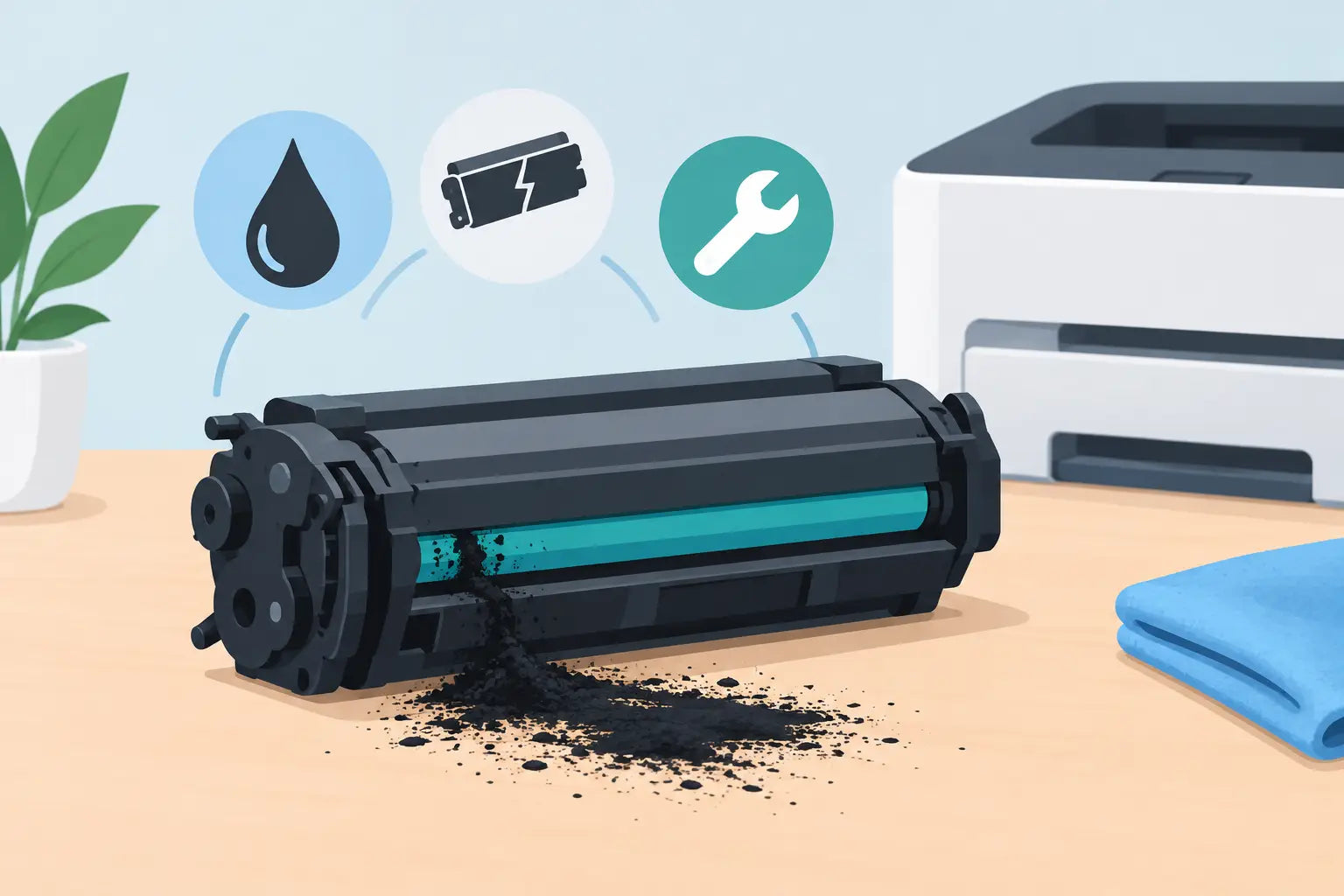
A black dusting across the page, loose powder inside the printer or toner on your hands can be alarming when you have a deadline to meet. So, can toner cartridges leak? Yes - although toner is a dry, ultra-fine powder rather than a liquid, it can escape from a damaged, poorly fitted or faulty cartridge.
The good news is that most toner spills are manageable, and they do not automatically mean your printer is damaged. Acting carefully matters, though. Toner can spread quickly, particularly if you use heat, water or the wrong vacuum cleaner.
Can toner cartridges leak inside a printer?
They can. A toner cartridge is designed to keep its powder contained while supplying a controlled amount to the printer's imaging system. If a seal fails, the cartridge is cracked, or it is not seated correctly, toner may collect inside the machine or appear as streaks, specks and grey background shading on printed pages.
A small amount of loose toner around a newly installed cartridge is not always a major failure. Some cartridges can have a trace of residual powder around the shutter or exterior from transport and handling. But visible toner buildup, repeated marks on every page or powder falling from the cartridge should be addressed before you continue printing.
It is also worth separating a toner problem from an ink problem. Ink cartridges contain liquid ink and can genuinely drip or leak. Toner cartridges use dry powder, so the signs are usually dusty deposits and messy printouts rather than wet patches.
Why toner cartridges leak or spill
Physical damage is one of the most common causes. A cartridge dropped onto a hard floor can develop a small crack or damage a seal, even when the outside appears mostly intact. Rough handling during removal can also dislodge toner from the cartridge's outlet area.
Incorrect installation is another frequent culprit. Every printer model has a specific cartridge shape, position and locking mechanism. If the cartridge is forced into place, not clicked in properly, or replaced with one that is not compatible with the printer, its toner outlet may not align as intended. Powder can then escape into the printer rather than transferring cleanly to the page.
Age and storage conditions can play a part as well. Toner cartridges should be stored flat in their unopened packaging, away from direct sun, high heat and damp areas. Leaving one in a hot car, near a heater or in a humid storeroom can affect seals and the way toner powder behaves. Extreme conditions are more likely to create printing issues than an immediate spill, but they are still worth avoiding.
A worn printer component can look like a leaking cartridge. Depending on the printer, the drum unit, waste toner container, fuser or internal rollers may be responsible for loose toner and repeated marks. This is especially possible if you install a new cartridge and the same issue continues. In that situation, replacing cartridge after cartridge is unlikely to fix the real cause.
Compatible toner cartridges are made to provide a lower-cost alternative to original brand cartridges. A quality compatible cartridge that is made for the correct printer model should fit and print reliably. As with any consumable, however, choosing a reputable supplier, checking compatibility carefully and handling the cartridge properly gives you the best chance of trouble-free results.
What to do if toner spills
First, stop printing and turn the printer off. Avoid shaking the cartridge or blowing inside the printer, as this sends fine powder further into the machine and around the room. If toner has reached your clothing or desk, resist the urge to rub it in.
For a light spill, carefully lift the cartridge out and place it on a sheet of paper or in its original bag if you still have it. Use a dry, lint-free cloth to gently collect powder from accessible surfaces. A toner-rated vacuum cleaner is suitable for larger spills, but a standard household vacuum is not recommended. Fine toner can pass through its filter and be blown back into the room, and static electricity can make the mess worse.
Do not use hot water. Heat can cause toner to bond to fabric or surfaces, much like it bonds to paper during printing. For toner on hands, wash with cool water and soap. For clothing, take the garment outside and gently shake or brush off as much dry toner as possible, then rinse the affected area with cold water before washing. Check the care label first, particularly for delicate fabrics.
Inside the printer, only clean areas you can reach without dismantling the machine. Do not touch the green or blue drum surface, if your printer uses a separate drum unit, and do not use water, sprays or household cleaners internally. These components are sensitive and fingerprints or scratches can lead to poor print quality.
Check the cartridge before reinstalling it
Look for obvious cracks, a loose end cap, damaged seals or toner escaping from the cartridge when it is held level. Check that any protective tape, pull tab or sealing strip has been completely removed according to the cartridge instructions. A partially removed seal can interfere with the toner outlet and installation.
If the cartridge looks sound, reinstall it slowly and firmly, following the printer's guide rails and latches. Print one or two test pages. If the pages are clean and no further powder appears, the issue may have been a minor handling spill. If toner continues to build up, remove the cartridge again and avoid using it until the cause is clear.
When the cartridge should be replaced
A cartridge with a visible crack, broken shutter, split seam or recurring toner loss should be replaced. Trying to tape or repair it is rarely worthwhile. Toner can continue escaping, create a larger cleanup job and potentially contaminate parts of the printer that are harder to access.
Replace the cartridge if it produces consistent heavy streaks, scattered specks or dark smears after you have checked the fit and cleaned accessible loose toner. Keep the cartridge and its packaging where possible. Clear photos of the cartridge, print samples and the printer's model number can help a supplier identify whether the cartridge or another printer component is likely at fault.
If a replacement cartridge produces the same marks straight away, pause before buying another one. The printer may need attention, particularly if it has a separate drum unit or waste toner bottle. A qualified printer technician can be the sensible option for a business printer that is heavily used or still under warranty.
Preventing toner cartridge leaks
Prevention mostly comes down to buying the correct cartridge and treating it as a precision printer part rather than a general office supply. Use your printer model, not just the brand name, when selecting a replacement. Many HP, Brother, Canon and Fuji Xerox printers use cartridges that look similar but are not interchangeable.
Keep unopened cartridges in a cool, dry cupboard, stored flat and in their sealed box. When you are ready to install one, open it over a clear surface, remove packing materials as directed and keep it level. Some cartridges need a gentle side-to-side rock to distribute toner before fitting. Follow the instructions supplied with that cartridge rather than shaking it vigorously.
Avoid touching the drum, contacts or toner outlet, and do not leave a cartridge exposed to bright light for longer than necessary. If you need to remove a cartridge temporarily, place it in a clean bag or cover it with paper while you work.
For homes and small businesses, keeping a spare cartridge on hand is useful, but there is no need to stockpile more than you are likely to use within a reasonable period. Buying the right cartridge when you need it, from a supplier that can help confirm compatibility, reduces the risk of old or unsuitable stock sitting around.
A toner spill is inconvenient, but it is usually solvable without replacing the whole printer. Handle the powder dry and gently, avoid heat and household vacuum cleaners, then check whether the cartridge and printer are properly matched. A little care at installation time can keep your pages sharp, your workspace clean and your printing moving when you need it most.