Ink Brands
 When to Replace Toner Cartridge in Your Printer
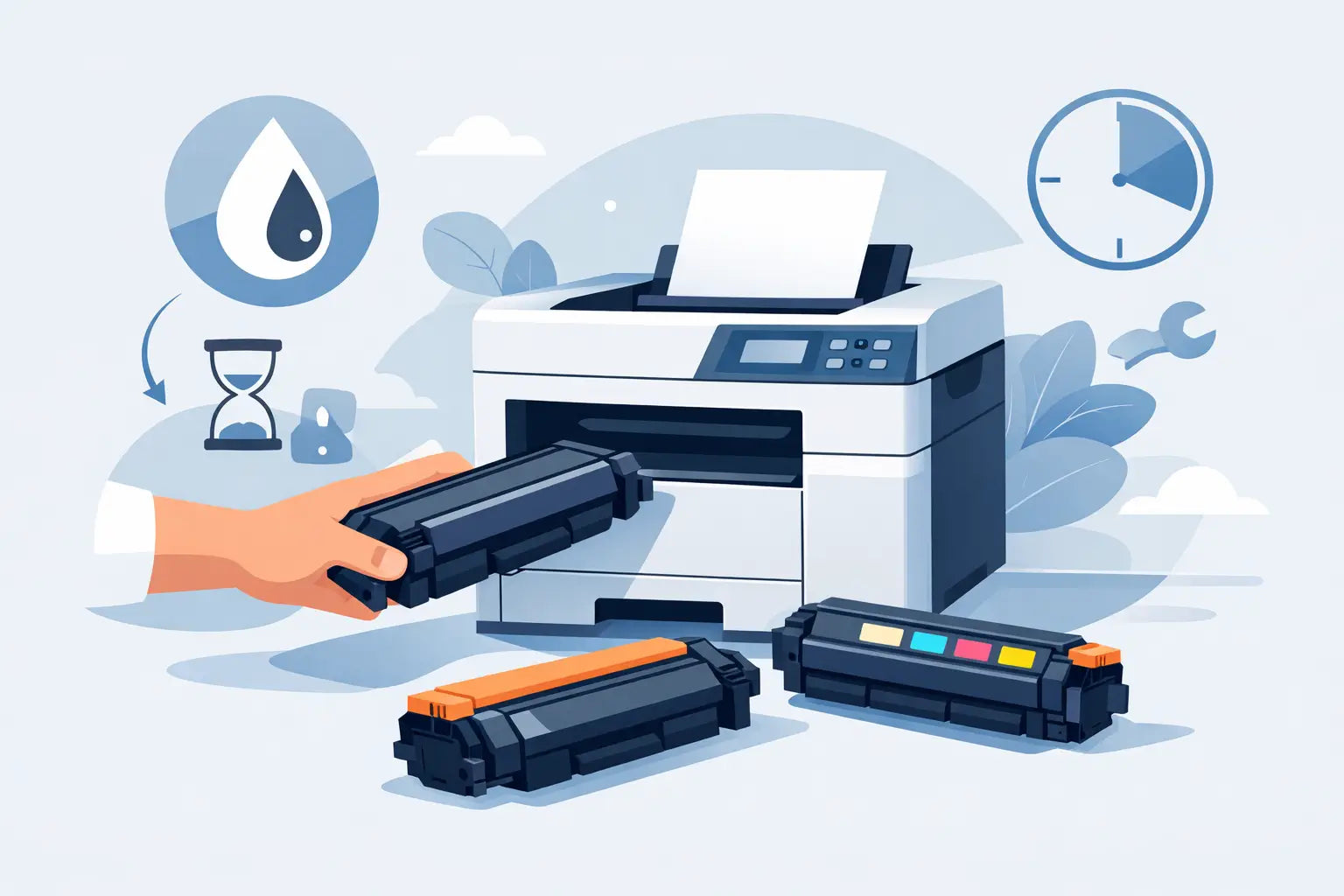
A low-toner message always seems to arrive when you need to print something urgently. Knowing when to replace toner cartridge means you can avoid faded pages, interrupted jobs and a last-minute dash to find the right supply. The good news is that most laser printers give several useful clues - and a warning message is only one of them.
For home printers, a toner cartridge may last months. In a busy office, it can disappear far sooner. How quickly it runs out depends on what you print, how much coverage is on each page and whether your printer uses separate black and colour cartridges. Rather than replacing toner at the first alert, check the print quality and your printer’s status so you can make a confident call.
When to replace toner cartridge: the clear signs
The most reliable indicator is a consistent drop in print quality. A nearly empty toner cartridge often produces pages that look pale, patchy or uneven, particularly in large blocks of black or colour. Text may still be readable, but reports, invoices and customer documents can start to look unprofessional.
A printer warning is also worth taking seriously, but it does not always mean the cartridge is completely empty. Many printers issue a “low toner” notification early, giving you time to order a replacement before printing stops. This is useful if you have a deadline approaching, but it can leave some usable toner in the cartridge.
Replace the cartridge when the warning is followed by poor output, or when the printer displays a message such as “replace toner”, “toner empty” or “cartridge end of life”. At that point, continued printing is unlikely to give dependable results.
1. Pages are faded, even with normal settings
Faded print is the classic toner warning sign. It may affect the entire page or appear more heavily on one side. Before replacing anything, make sure your print settings have not been changed to a light draft mode or toner-save mode. These settings deliberately use less toner and can make documents look faint.
If settings are normal and the problem continues across several print jobs, the cartridge is probably nearing the end. This is especially noticeable on sharp black text, barcodes and solid graphics.
2. Print has white streaks or blank patches
Horizontal white lines, missing sections of text or pale bands can mean the toner is not being distributed evenly inside the cartridge. In some cases, carefully removing the cartridge and gently rocking it side to side can redistribute the remaining toner. Do this over a sheet of paper and follow the printer manufacturer’s handling guidance.
This is a short-term measure, not a fix. If the streaks return after a few pages, order a new cartridge. Repeatedly shaking a cartridge may buy you enough time to finish a small job, but it will not restore a genuinely depleted supply.
3. The printer stops or refuses to print
Some printer models keep printing until toner is physically exhausted. Others are programmed to stop when the cartridge reaches a set level, even if a small amount remains. If your printer has stopped with a cartridge replacement message, fitting a new compatible cartridge is usually the practical answer.
Do not force the cartridge door, reset the printer repeatedly or try to bypass an alert without checking the manual. A printer may be identifying a cartridge issue rather than low toner alone, such as an incorrectly seated cartridge or a component that has reached its service limit.
4. The toner level is low and you have important printing ahead
You do not need to wait for failure if the printer is essential to your work. A low toner notification is the right time to keep a replacement on hand, particularly before printing contracts, school materials, shipping labels or a large batch of invoices.
For small businesses, having a spare is often cheaper than the cost of downtime. You can continue using the current cartridge while it prints cleanly, then swap it when quality drops or the printer tells you it is empty. Just be sure the spare matches the exact printer model and cartridge code.
A low-toner alert does not always mean replace it now
Toner alerts are estimates. Your printer calculates remaining toner based on page counts, printing patterns or cartridge chip data. It cannot always measure every last particle of toner inside the cartridge. This is why one printer may keep producing clean pages for a while after the first warning, while another may need a replacement quickly.
Page yield figures work the same way. A cartridge labelled for a certain number of pages is measured under standard test conditions, usually with modest page coverage. A page of mostly text uses far less toner than a full-page black flyer, dense spreadsheet, architectural plan or colour presentation.
If you print occasional black-and-white documents at home, you may get close to the advertised yield. If your office prints graphics, labels or high-coverage documents, expect the cartridge to run out sooner. Yield is a useful comparison tool, not a guarantee of an exact number of pages.
Rule out problems that look like low toner
Not every faded or marked page calls for a new toner cartridge. Checking a few simple causes can prevent an unnecessary purchase.
First, print a test page or a document you know should be sharp. If marks, lines or pale areas appear in the same place on every page, inspect the toner cartridge and ensure it is properly installed. Remove it only when the printer is off or as instructed by the manufacturer, then reseat it carefully.
Next, check whether the problem is limited to one colour. Colour laser printers usually have separate cyan, magenta, yellow and black cartridges. A greenish photo or reddish text may point to one depleted colour cartridge, rather than a need to replace the full set.
Finally, consider the drum unit. Some laser printers have a drum built into the toner cartridge, while others use a separate drum that lasts through multiple toner replacements. Repeating dots, ghosted images, grey backgrounds or marks at regular intervals can sometimes indicate a worn drum rather than low toner. Your printer display or manual can help identify which consumable needs attention.
Choose the right replacement for your printing needs
Once it is time to replace toner, accuracy matters. Printer families can use cartridges that look similar but are not interchangeable. Check the printer model on the front or back of the machine, then confirm the cartridge number before ordering. This avoids delays and the frustration of opening a cartridge that does not fit.
You can generally choose between genuine OEM toner and a compatible alternative. Genuine cartridges are made by the printer brand and can suit buyers who prefer to stay with the original manufacturer’s consumables. Compatible toner cartridges are made by third-party manufacturers for specific printer models and can offer a lower-cost option for routine home and office printing.
The best choice depends on your budget, print volume and workplace requirements. If your business has strict procurement rules or manufacturer-only policies, genuine toner may be required. For many everyday documents, a quality compatible cartridge can make ongoing printing more affordable. Whichever option you choose, buy from a supplier that clearly confirms compatibility and stands behind the product.
High-yield cartridges are also worth considering for frequent printing. They cost more upfront but generally provide more pages and reduce how often you need to change cartridges. For a printer that is only used occasionally, a standard-yield option may be the more sensible spend.
Replace toner without creating a mess
Toner is a fine powder, so take a calm, clean approach. Turn the printer off if your model’s instructions recommend it, open the cartridge compartment and remove the old cartridge by its handle. Keep it level and avoid touching the drum surface or electrical contacts.
Unpack the new cartridge only when you are ready to install it. Remove protective tabs and sealing strips exactly as directed, then slide the cartridge into place until it clicks or sits securely. Close the cover and print a test page. Most printers recognise the new cartridge automatically, although some may prompt you to confirm the replacement.
Put the old cartridge aside for recycling rather than in the household rubbish. Many cartridge brands and local recycling programs accept used printer consumables, helping keep reusable materials out of landfill.
A spare cartridge in the cupboard turns a low-toner warning from an interruption into a simple maintenance task. When you are ready to order, use your exact printer model to find a compatible option from Inkspot, and you can get back to clear, reliable printing without paying more than you need to.