Ink Brands
 How to Order Printer Ink Without Buying the Wrong One
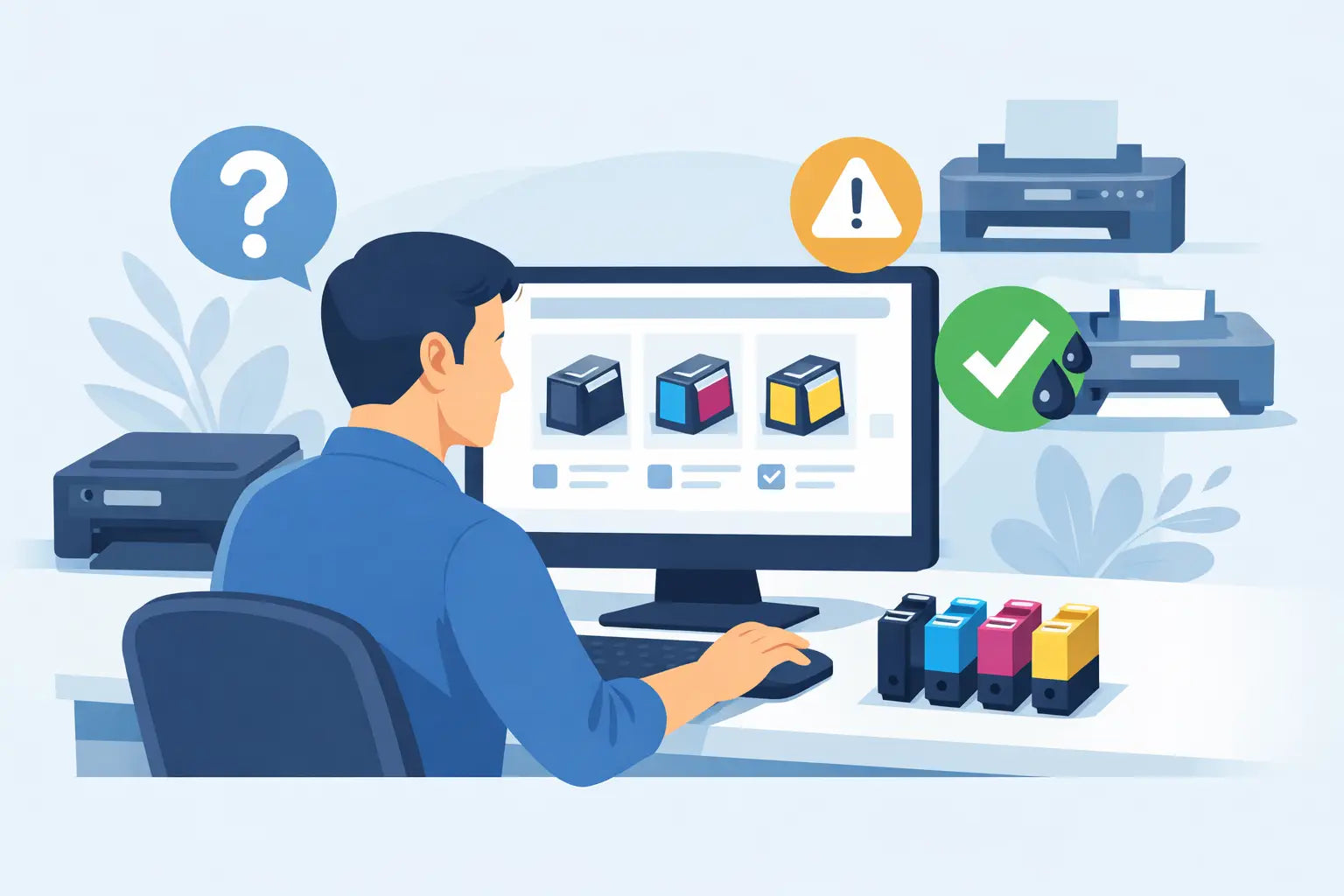
That low-ink warning always seems to appear just before a school assignment, invoice run or important form needs printing. The good news is that learning how to order printer ink is straightforward once you know which details matter. The key is not choosing a cartridge that merely looks familiar. It is matching the right cartridge number to your exact printer model, then deciding whether genuine or compatible ink suits your needs and budget.
How to order printer ink for your printer model
Start with your printer model, not the name printed on the cartridge. Many printer ranges use several different cartridge types, even where the printers look nearly identical. A Canon PIXMA, HP OfficeJet or Epson Expression printer name alone may not be enough to identify the correct supply.
You can usually find the full model number on the front of the printer, near the control panel, on a label at the back, or inside the cartridge access area. It may include letters and numbers such as “HP OfficeJet Pro 9010” or “Epson XP-4200”. Write it down exactly, including any suffixes.
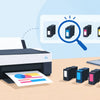
Once you have the model number, use a printer-model finder or search for the model directly. This is generally more reliable than trying to identify a cartridge from its shape or colour. A printer finder narrows the available options to cartridges confirmed to fit your machine, which removes much of the guesswork.
If you still have an empty cartridge, check its code as a second confirmation. Cartridge codes are usually printed on the label and may be a number, a letter-number combination, or both. For example, a printer may use a standard-capacity black cartridge alongside separate cyan, magenta and yellow cartridges. Matching both the printer model and cartridge code gives you the strongest confidence before ordering.
Check what your printer actually needs
Not every printer uses the same arrangement of ink. Some models have one black and one tri-colour cartridge, while others use separate cartridges for each colour. Certain office printers use high-yield cartridges, and laser printers need toner rather than liquid ink.
Before placing an order, check whether you need:
- black ink only for text documents
- individual colour cartridges for photos, charts or schoolwork
- a multipack to replace several colours at once
- a standard or high-yield cartridge
- toner cartridges, drums or other consumables for a laser printer.
If you print only occasionally, replacing the cartridge that has genuinely run out may make the most sense. For busy households and offices, a multipack can be better value and means fewer last-minute orders. It depends on your printing habits, storage space and how quickly you use each colour.
Standard versus high-yield cartridges
High-yield cartridges contain more ink or toner than standard versions and are often labelled XL, high yield or extra high yield. They cost more upfront but usually deliver a lower cost per page. For an office that prints invoices, shipping labels or training materials each week, high yield is often the practical choice.
For a home printer used a few times a month, standard cartridges can be a sensible option, particularly if you are unsure how long the printer will sit unused. Ink can dry in the printhead when a printer is left idle for long periods, so buying a large supply that will not be used for years is not always the cheapest outcome.
Choose between genuine and compatible printer ink
After confirming compatibility, you have an important choice: genuine cartridges made by the printer manufacturer, or compatible cartridges made by a third party for use in that printer.
Genuine cartridges are the original brand option. They are designed by the printer manufacturer and can be a good fit where you have strict workplace purchasing requirements, need manufacturer-branded supplies, or want to follow the printer maker’s recommendations exactly. They are also commonly the more expensive choice.
Compatible cartridges are new cartridges produced to work with selected printer models. A quality compatible option can offer significant savings, which is why many households, students and small businesses use them for everyday printing. The trade-off is that quality varies between suppliers, so it is worth buying from a specialist retailer that clearly states printer compatibility and stands behind its products.
Do not confuse compatible cartridges with refilled cartridges. A compatible cartridge is a newly manufactured alternative, whereas a refilled cartridge has been used previously and filled again. They are different products, with different quality controls and expectations.
At Inkspot, customers can choose from genuine and compatible options for a broad range of printer brands, making it easier to balance budget, print needs and peace of mind without changing where they shop.
Review the product details before checkout
A few seconds spent checking the listing can prevent an inconvenient return. Confirm the printer models shown in the compatibility information, the cartridge code, the colour or colours included, and whether the item is standard or high yield.
Also check the quantity. A listing for a “black cartridge” may be for one unit, while a value pack may contain black plus multiple colours. If you are ordering for an office, make sure the pack quantity matches what you need rather than assuming every product is a multipack.
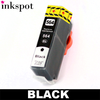
Be wary of choosing a cartridge only because its product image looks right. Manufacturers sometimes use similar packaging across cartridge families, and cartridge bodies can look almost identical. Compatibility information should always be the deciding factor.
If your printer has recently been replaced, do not automatically reorder the same cartridges you bought last time. Newer printers frequently use different supplies, even when they are from the same brand. Check the model again before adding anything to the cart.
Order enough ink, but avoid overstocking
Printer ink is an everyday essential, yet it is easy to put off ordering until the last cartridge is empty. Keeping one spare black cartridge is a useful middle ground for most homes and small offices. It reduces the risk of downtime without leaving you with a drawer full of supplies for a printer you may no longer own.
Businesses with several printers may benefit from a simple stock check each month. Record the printer model, cartridge codes and the number of spares on hand. This makes it easier for an office manager or staff member to order confidently, especially if the person who usually handles supplies is away.
Consider delivery timing too. Ordering before the cartridge is completely empty gives you more choice and less stress. Where an order reaches the free-shipping threshold, buying a sensible spare or a planned multipack may be better value than paying separate delivery costs on repeated small orders. Still, only buy what you are likely to use within a reasonable period.
What to do if you order the wrong cartridge
Even careful shoppers occasionally order the wrong printer ink. Keep the product sealed and packaging intact while you confirm the issue. Then compare the cartridge code and listed compatible models against your printer’s full model number.
If the cartridge is unopened, contact the retailer promptly to ask about the return process. A retailer with clear support and a money-back guarantee can make this far less frustrating. Avoid forcing a cartridge into the printer or opening protective packaging “just to test it”, as this may affect whether it can be returned.
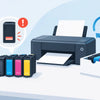
If the cartridge fits but your printer shows an alert, check that all protective tape and clips have been removed and that the cartridge is seated correctly. Turn the printer off and on again, then follow any on-screen prompts. If the message remains, get advice before repeatedly removing and reinstalling the cartridge.
Make your next ink order easier
Save your printer model and cartridge code somewhere practical, such as a note on your mobile or inside the stationery cupboard. When an alert appears, you will not need to crawl behind the printer or search through old packaging to work out what to buy.
A small amount of checking before you order is what keeps printer ink shopping simple: match the exact model, choose the capacity and cartridge type that suit your printing, and buy from a supplier prepared to help if something does not look right. That way, the next low-ink warning is a quick job, not a disruption.