Ink Brands
 How to Choose Toner Cartridges That Suit You
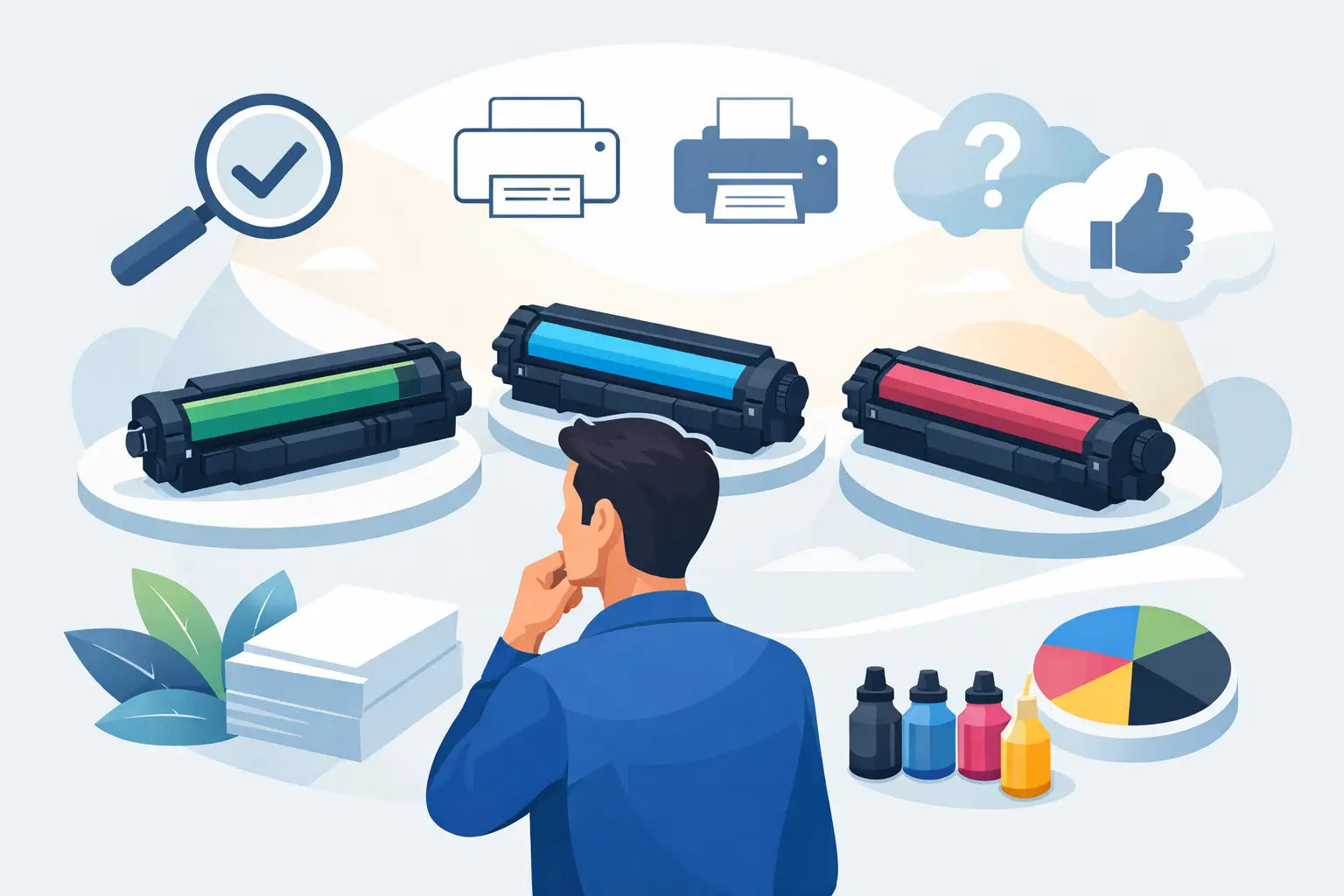
A printer can be working perfectly one day and stop the next because a single cartridge has run out. Choosing toner cartridges should be simple, but model codes, yield claims and the choice between genuine and compatible products can make it feel needlessly complicated. The good news is that a few practical checks will help you buy the right cartridge, avoid costly mistakes and keep printing without interruption.
Start with the printer model, not the cartridge colour
The safest way to find a replacement is to identify your exact printer model first. Look at the front of the printer, the control panel, the original box or the printer settings on your computer. The model name is often similar to other machines in the same range, but a small difference in letters or numbers can mean the cartridge is not compatible.
For example, two Brother or HP laser printers may look nearly identical while taking different toner series. Searching by printer model removes most of the guesswork. Once you have confirmed the model, check whether it takes standard-yield or high-yield cartridges, and whether it uses a separate drum unit.
Do not rely on the cartridge’s physical appearance alone. Many toner cartridges look alike, yet have different chips, page-yield ratings or fittings. A cartridge that slides into the printer is not necessarily the correct one.
Toner cartridge, drum unit and waste toner bottle
Laser printers use toner, a fine powder that is fused onto paper using heat. The toner cartridge holds that powder, but some printers have other consumable parts that also need replacement over time.
In many Brother printers, for instance, the toner cartridge and drum unit are separate. You may replace toner several times before the drum needs changing. Some larger office machines also use a waste toner bottle, which collects excess toner during printing. If print quality is poor after fitting a new toner cartridge, the issue may be the drum or another maintenance item rather than the toner itself.
Your printer manual or its on-screen message should tell you which component needs attention. It pays to read the wording carefully before ordering.
Genuine and compatible toner cartridges: what is the difference?
Genuine toner cartridges are made by the printer manufacturer, such as Canon, HP, Brother, Lexmark, Samsung or Fuji Xerox. They are designed for specific printer ranges and are usually the familiar option for buyers who want to stay with the original brand.
Compatible toner cartridges are new cartridges made by a third-party manufacturer for use in a particular printer model. They are not refilled original cartridges, although remanufactured options also exist in the broader market. A quality compatible cartridge is designed to fit and function like its genuine equivalent, at a lower purchase price.
Neither choice is automatically right for every customer. Genuine cartridges can suit businesses with strict manufacturer supply requirements, highly specialised print work or a preference for original-brand consumables. Compatible cartridges can be a sensible option for home printing, schoolwork, invoices, shipping labels and everyday office documents where reducing running costs matters.
The key is to buy from a supplier that clearly states compatibility and stands behind what it sells. A very cheap cartridge with unclear model information can create more frustration than savings. Look for accurate product descriptions, accessible support and a straightforward return policy if the item is not right for your printer.
For most users, the decision comes down to balancing budget, printing needs and confidence in the supplier. A reliable compatible cartridge can reduce the cost per page significantly, particularly in printers that get regular use.
Compare toner cartridges by cost per page
The cartridge price tells only part of the story. Page yield, which is the estimated number of pages a cartridge can print, is just as useful. A standard-yield cartridge costs less upfront, while a high-yield or extra-high-yield cartridge contains more toner and is intended to print more pages before replacement.
High-yield cartridges often cost more at checkout but less per page. They are usually a good fit for small businesses, home offices and anyone who prints reports, worksheets, forms or invoices frequently. They also mean fewer cartridge changes, which is handy when printing is part of a busy workday.
Standard-yield cartridges may be the better choice if you print only occasionally. Toner does not dry out like ink, but there is little value in tying up your budget in a large cartridge if your printer is rarely used or may be replaced soon.
Yield figures are based on standard testing conditions, often around 5 per cent page coverage. A page containing a short letter uses far less toner than a page with large black headings, dense graphics or solid blocks of colour. Treat yield as a useful comparison tool, not an exact promise for every print job.
Black and colour printing have different costs
A colour laser printer uses separate black, cyan, magenta and yellow toner cartridges. Even if your documents are mostly black text, the printer may occasionally use colour toner for cleaning cycles or colour elements in a file.
If colour is not needed, select greyscale or black-and-white printing in your printer settings. It can help your colour cartridges last longer. Before printing a large job, also check for coloured logos, tracked changes or web-page backgrounds that may use more toner than expected.
Get better results from each cartridge
Good printing habits can stretch the value of your toner cartridges without making documents look second-rate. Draft mode is useful for internal notes and early versions of documents, while double-sided printing cuts paper use and is often ideal for reports. For client-facing material, use the normal or best-quality setting where clarity matters.
When a printer reports low toner, do not assume it has stopped printing immediately. Many machines provide a low-toner warning well before the cartridge is empty. Keeping a spare on hand is sensible, especially for an office printer, but wait until print quality fades or the printer asks for replacement before fitting it.
If print appears light or uneven, remove the cartridge carefully and gently rock it side to side a few times. This can redistribute remaining toner and may provide a little more usable printing. Do not shake it aggressively, open the cartridge or touch the roller surface. Toner powder can be messy, and rough handling can affect print quality.
Store unopened cartridges flat in a cool, dry place away from direct sunlight. Avoid leaving them in a hot car, damp garage or near a heater. Keep the protective packaging in place until you are ready to install the cartridge.
When a new toner cartridge does not solve the problem
A replacement cartridge is often the answer to faded output, streaks or toner warnings, but not always. Repeated marks down the page can point to a worn drum. Smudging may be related to the fuser, paper type or damp paper. Toner spots inside the printer can indicate a spill or a cartridge that has not been seated correctly.
Start by checking that all protective seals and tabs have been removed, the cartridge is fully clicked into position and the printer’s covers are closed securely. Print a test page after installation. If the problem continues, check the printer message and clean only the areas recommended by the manufacturer.
Never use a household vacuum cleaner to remove loose toner. Fine toner particles can pass through the filter and create a bigger mess. Use a toner-rated vacuum if available, or follow the printer manufacturer’s cleaning guidance.
Buy with enough certainty to avoid downtime
Before placing an order, confirm four details: the exact printer model, the cartridge code, whether you need standard or high yield, and whether your printer requires a separate drum unit or other consumable. This takes a minute and can prevent the inconvenience of ordering the wrong item.
For households, ordering before the last cartridge is completely empty avoids a rushed purchase when assignments, forms or travel documents need printing. For workplaces, keeping one spare black cartridge and monitoring colour levels can prevent an avoidable interruption.
Inkspot helps make this process easier with printer-model-based shopping, a broad range of genuine and compatible options, and support when you need a second opinion. With the correct cartridge ready before your printer runs dry, printing stays a routine task rather than the problem that holds up your day.