Ink Brands
 Small Office Printing Supplies That Save Time
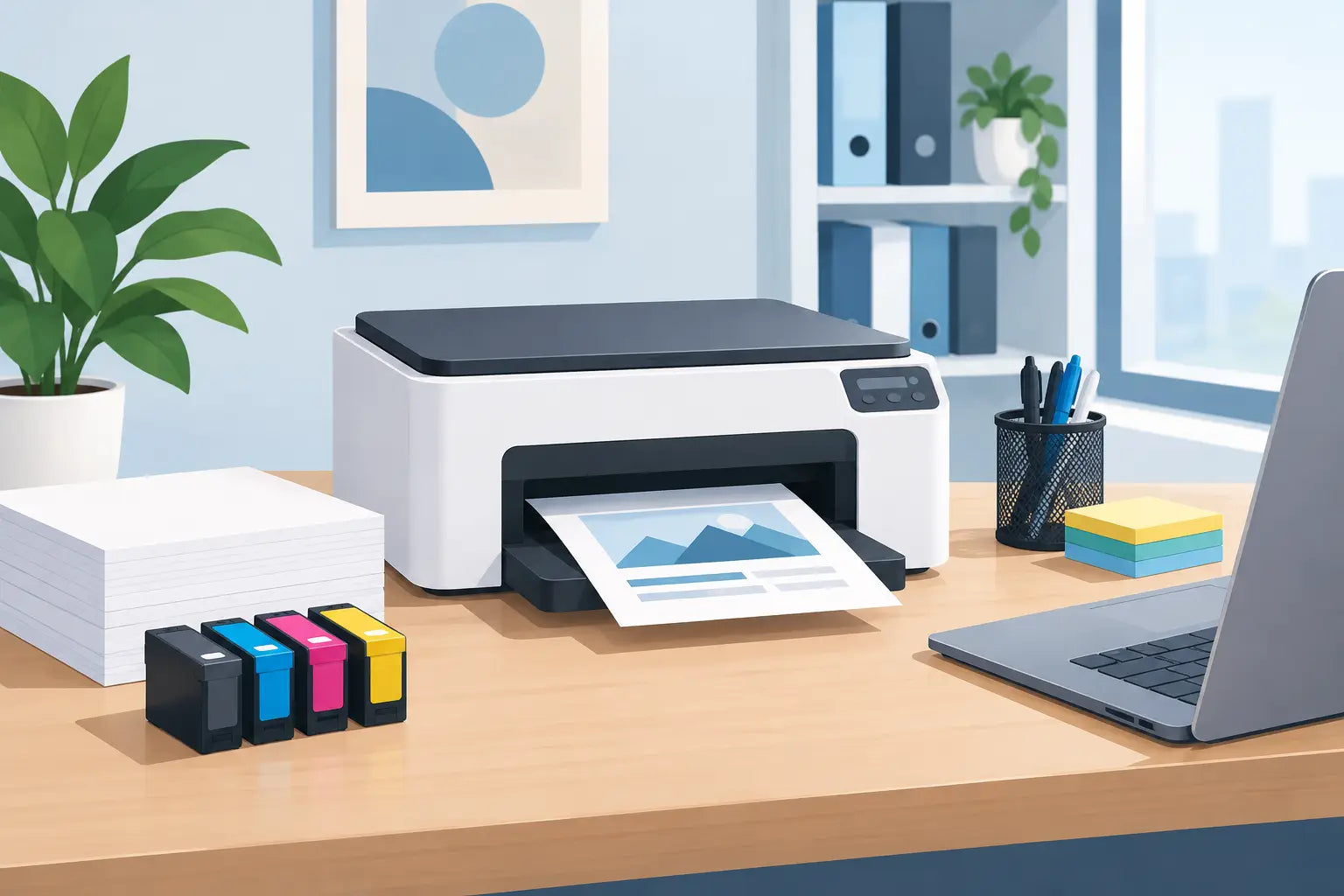
A printer rarely causes trouble when the office is quiet. It runs out of toner ten minutes before a quote needs signing, jams during a client pack, or prints faintly just as someone needs a clear copy. The right small office printing supplies will not make paperwork disappear, but they can stop avoidable interruptions from becoming a scramble.
For a small business, printing is often a background cost until it suddenly is not. A few unnecessary cartridge purchases, a box of unsuitable labels, or an out-of-stock toner can quickly eat into time and budget. A sensible supply plan keeps the essentials on hand, matches products to the way your team actually works, and avoids paying more simply because a replacement is urgent.
Start with what your office really prints
Before ordering cartridges or filling a cupboard with paper, look at the last month of printing. Are you producing mostly invoices and internal documents? Do you regularly print colour proposals, property brochures or training packs? Is the printer used by one person, or does the whole team rely on it?
These details affect what represents good value. A black-and-white laser printer used for invoices may need a high-yield toner cartridge and reliable A4 copy paper. A design, real estate or customer-facing business may place more value on colour accuracy, photo paper or presentation stock. The cheapest consumable is not always the lowest-cost choice if it runs out too quickly or does not suit the job.
It also helps to distinguish between occasional printing and daily production. If your office prints only a few pages a week, buying a large volume of specialist paper may leave it dusty or curled before it is used. If staff print every day, keeping only one spare cartridge is risky. Your supplies should reflect demand, not a generic checklist.
The core small office printing supplies to keep stocked
Most offices do not need a storeroom full of printer accessories. They need a modest, well-managed set of supplies that covers routine work and likely hiccups.
Ink and toner cartridges
Cartridges are the obvious priority, but choosing them is where many businesses lose money. First, confirm the exact printer model. Cartridge numbers can look similar across a brand range, yet be incompatible. Checking the model on the printer itself, rather than relying on a previous order or a colleague's memory, prevents frustrating mistakes.
You will usually have a choice between genuine cartridges made by the printer manufacturer and compatible alternatives. Genuine cartridges can make sense where a manufacturer-specific workflow, strict colour requirements or internal purchasing policy calls for them. Compatible cartridges are often a practical way to reduce ongoing costs for everyday business printing, provided they are supplied by a reputable retailer and clearly matched to your printer.
Consider page yield as well as shelf price. A high-yield cartridge generally costs more upfront but can offer a lower cost per page and fewer replacement interruptions. For a busy laser printer, that may be the better buy. For lightly used inkjet printers, standard-yield cartridges can be more suitable, especially if cartridges may sit unused for extended periods.
Keep at least one replacement black cartridge or toner on hand for each active printer. For colour printers that support client-facing work, hold a spare set of colour cartridges too. It is a small safeguard against a late-afternoon shortage.
Paper that suits the job
Standard A4 copy paper is the workhorse of most small offices. Look for paper that feeds cleanly through your machine and is suitable for double-sided printing if that is part of your process. Paper weight matters: everyday 80 gsm stock is usually fine for general documents, while heavier paper gives proposals, certificates and presentation material a more substantial feel.
There is no need to use premium paper for every internal email or draft. Reserve it for documents that clients will handle. Keeping standard paper and a small supply of heavier stock gives the office flexibility without tying up money in too many paper types.
Store unopened reams flat in a dry cupboard. Damp, heat and humidity can cause paper to curl or stick together, leading to misfeeds and jams that are easily mistaken for a printer fault.
Labels, envelopes and specialist media
Specialist media is useful only when it earns its place. Address labels can speed up mail-outs. Shipping labels are helpful for businesses dispatching orders. Window envelopes may save time when invoices are printed with customer details in the right position.
Check your printer manual before ordering labels, card or glossy paper. Not every printer handles every material well, and laser printer labels in particular need to be rated for the heat involved. Using the wrong label sheet can result in poor adhesion, damaged rollers or a very difficult jam.
Buy specialist stock in smaller quantities unless it is used regularly. Product packaging and mailing methods change, and supplies with a very specific format are easier to waste than standard paper.
Cleaning and maintenance items
A basic cleaning routine can extend the useful life of a printer and improve output. Keep a soft, lint-free cloth nearby for dust around the paper tray and exterior. Inkjet printers may occasionally need a printhead clean through their built-in maintenance menu. Laser printers can benefit from careful cleaning as directed by the manufacturer, particularly in dusty workspaces.
Avoid improvised cleaning products or excessive moisture inside the machine. If print quality problems persist after the recommended maintenance cycle and a cartridge check, it may be time for professional servicing rather than more cleaning.
Build a reorder routine before supplies run low
The most efficient office supply system is not complicated. It simply makes one person responsible for checking stock at a regular interval, such as the first Monday of each month. A quick look at paper levels, spare cartridges and frequently used labels is enough for many small teams.
For heavier-use offices, use printer alerts as an early warning rather than a signal to order immediately. Low-toner messages often mean there is still useful output remaining. Ordering when the alert appears can be sensible if delivery time matters, but replacing the cartridge too early may waste what is left.
A small record of cartridge model numbers, printer models and typical reorder frequency removes guesswork. Keep it where the person who orders supplies can find it. This is especially useful when an office has several printers or when responsibility changes hands during leave.
If your business has predictable printing peaks, order ahead. Accountants may print more around tax time, schools before term starts, and retailers during promotional periods. Waiting until the rush begins usually means fewer choices and more pressure to buy whatever is available.
Reduce printing costs without making work harder
Cost control should not mean asking staff to ration every page. It means using the printer deliberately. Set double-sided printing as the default where appropriate, use draft mode for internal documents, and encourage digital review before final copies are printed. Small adjustments reduce paper and cartridge use without slowing down client work.
Printer settings also deserve a check. Colour printing for internal spreadsheets, for example, may be unnecessary when greyscale will do. On the other hand, forcing low-quality settings on documents that represent your business can create a false saving. Client proposals, images and important forms should still look clean and professional.
Consolidating orders can help manage delivery costs and administration time. When you know the exact cartridge your printer needs, it is easier to buy confidently rather than making a rushed purchase at a local shop. Inkspot's printer-model search makes that compatibility check simpler for Australian businesses ordering replacement ink and toner.
Avoid the common stock cupboard mistakes
Overbuying is just as costly as underbuying. Ink and toner have storage considerations, printer fleets change, and a discontinued machine can leave you with supplies you cannot use. Buy enough for continuity, but review quantities when print volumes or equipment change.
Another common mistake is mixing up cartridges from similar printers. Keep each spare in its original packaging and label the storage shelf with the printer model it belongs to. If you run more than one brand, this simple step can prevent the wrong cartridge being opened.
Finally, do not ignore recurring quality problems. Streaks, fading or missing colours are not always a sign that the cartridge is empty. They can point to a blocked printhead, worn drum unit, incorrect paper setting or a printer approaching the end of its working life. Replacing cartridges repeatedly without checking the cause can be an expensive habit.
A well-stocked office is not one with the most supplies. It is one where the right paper, cartridge and label are ready when work calls for them, leaving your team free to focus on the job that actually pays the bills.