
 Ink Brands
 How to Find Printer Cartridge Fast
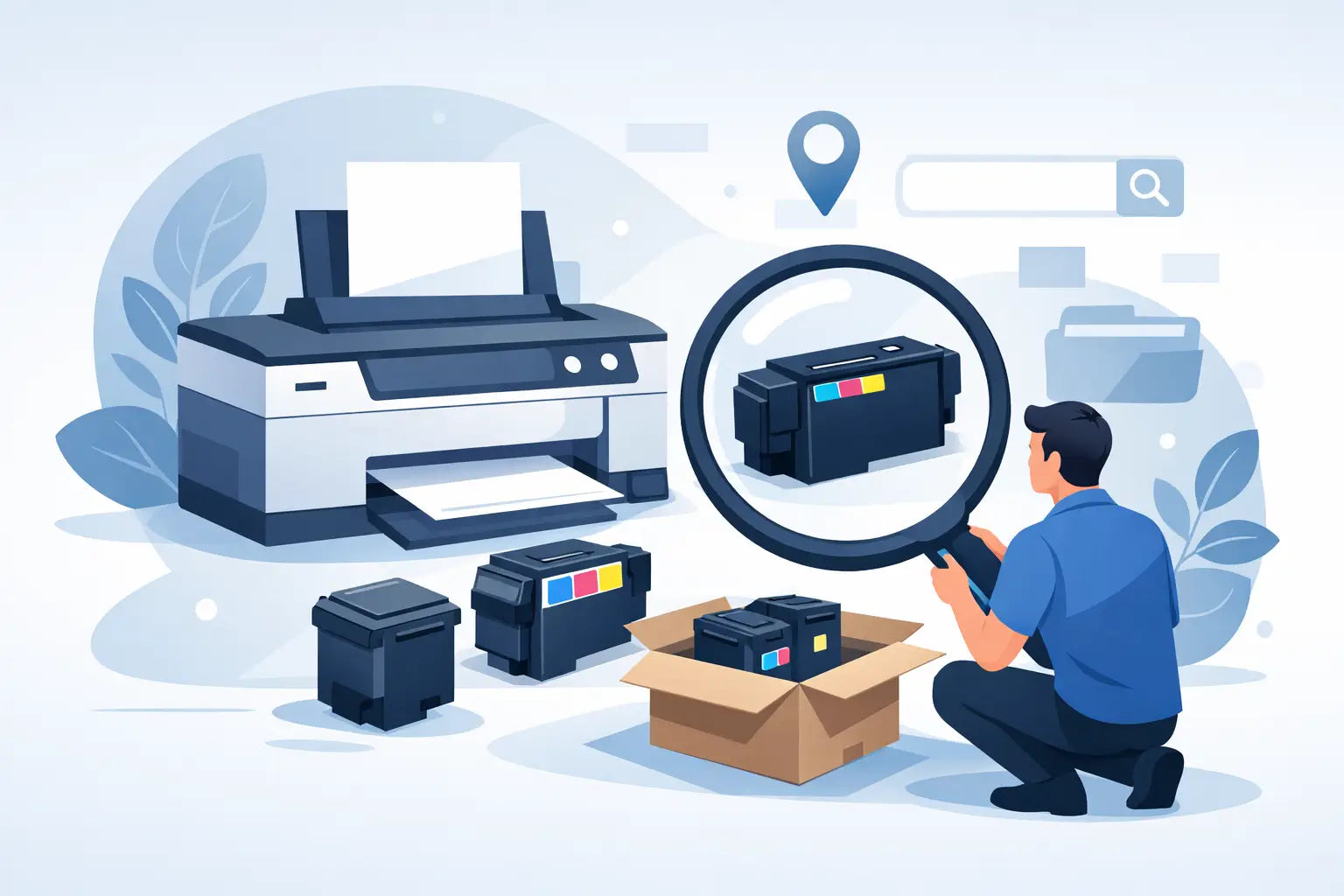
You usually realise you need a new cartridge at the worst possible moment - right before printing school forms, invoices or a return label. If you are trying to work out how to find printer cartridge options that actually fit your machine, the good news is that it is much simpler once you know where to look.
The biggest mistake people make is shopping by cartridge shape or brand name alone. Two cartridges can look nearly identical and still be completely incompatible. The safest way to get the right match is to identify your exact printer model first, then check which cartridge series it uses.
How to find printer cartridge by printer model
If you only remember one thing, make it this: buy cartridges for the printer model, not by guesswork. Printer brands release lots of similar machines, and a small difference in the model number can mean a different cartridge altogether.
Start by checking the front, top or inside edge of your printer. Most printers have the model printed clearly on the casing. You might see something like HP ENVY 6020, Brother HL-L2350DW, Epson Expression Home XP-4200 or Canon PIXMA TR8660. Write the full model down exactly, including letters, numbers and any suffix at the end.
If the printer casing does not show it clearly, check the sticker on the back or underside. On some office machines, the model information is near the serial number label. If you still cannot find it, look in your printer settings on your computer or mobile device. The installed printer name often includes the full model.
Packaging, old manuals and previous cartridge boxes can help too, but use a bit of caution. People often keep spare cartridges after replacing a printer, so an old box in the cupboard is not always proof that it suits your current machine.
Where to check your current cartridge
If there is already a cartridge installed, take it out and inspect the label. This will usually show the cartridge number, such as HP 67, Canon PG-640, Epson 212 or Brother TN-253. That number is one of the easiest ways to reorder correctly.
Still, it depends on the situation. If the cartridge came with a second-hand printer, or if someone in the office installed the wrong item and forced it to fit, the number may not be reliable. In most homes and small businesses, the installed cartridge is a good reference point. In shared workplaces, checking both the printer model and cartridge code is the safer option.
Some cartridges also come in standard and high-yield versions. Both may fit the same printer, but the page yield and price will differ. If you print regularly, the higher-yield option often works out better value per page. If you print only occasionally, a standard cartridge may be enough.
Ink or toner: know what your printer uses
A lot of cartridge confusion starts here. Inkjet printers use ink cartridges. Laser printers use toner cartridges. They are not interchangeable, even if the printer brand is the same.
Home printers used for photos, assignments and occasional documents are often inkjet models. Small business and office printers that handle higher volume black-and-white printing are often laser models. If your prints come out dry instantly and the printer is built for speed, it may well be using toner.
This matters because searching for the wrong consumable sends you down the wrong path straight away. If you are wondering how to find printer cartridge supplies for your machine, first confirm whether you need ink or toner, then search by model.
Why cartridge numbers matter more than appearances
Printer cartridges are not like batteries where size tells you most of what you need to know. Cartridge design is tied to chip compatibility, printer firmware and physical fit. A black cartridge from one series may slide into the slot of another but still fail to work.
That is why cartridge numbers are so useful. They cut through the visual guesswork. Once you know the correct code, you can compare standard versus high-yield, genuine versus compatible, and black-only versus colour multipacks without wondering if the product will fit.
It is also worth knowing that some brands use different cartridge numbers for the same printer in different regions. Australian models generally need cartridges intended for this market. If you find conflicting information online, check that the product details are for Australia.
Genuine or compatible cartridges?
Once you know which cartridge fits, the next question is usually about price. Genuine cartridges are made by the printer brand. Compatible cartridges are made by third-party manufacturers to work with that printer.
For some buyers, genuine is the preferred option because they want to stick with the original brand from start to finish. For others, compatible cartridges are the practical choice because they can reduce printing costs significantly. There is no single answer that suits every household or business.
What matters is buying from a supplier that clearly states compatibility and stands behind what it sells. A good compatible cartridge should be made for your exact printer model, not marketed as a vague near-enough option. If you print everyday office documents, compatibles can offer strong value. If you print specialist material or simply prefer the original manufacturer's consumables, genuine may be worth the extra spend.
Common reasons people order the wrong cartridge
Most wrong orders come back to one of a few issues. The first is missing a letter or number in the printer model. The second is assuming all printers in the same brand family use the same cartridge. The third is relying on memory instead of checking the machine.
There is also the trap of buying based on a retailer shelf label or a quick search result without reading the compatibility details properly. Similar product names can be misleading. An extra "XL", "DW" or "Pro" in the printer model can change what you need.
If you are ordering for an office, one simple habit helps a lot: keep a note of the exact printer model and cartridge code for each machine. It saves time, avoids double-checking every reorder, and cuts down on expensive mistakes.
How to find printer cartridge options online without wasting time
The fastest way online is to use a printer-model search tool rather than browsing hundreds of cartridge listings. Enter the full printer model and let the results narrow down the correct products for you.
This approach is especially useful if your printer takes multiple cartridges, such as separate black, cyan, magenta and yellow units, or if it supports both standard and high-yield versions. A model-based search usually brings up all suitable options in one place, which makes comparing price and yield much easier.
If the tool gives more than one cartridge family, stop and double-check your model entry. A typo is often the reason. If the result still looks unclear, it is worth asking customer support before placing the order. A quick check is better than a return.
For Australian buyers, it also helps to buy from a local specialist that understands printer compatibility rather than a generic marketplace that lumps products together. Inkspot, for example, focuses on printer-model matching, which takes a lot of the guesswork out of reordering.
A quick word on multipacks and high-yield cartridges
Once you have found the correct cartridge, think about how you actually print. If you are constantly replacing one colour at a time, a multipack may be more convenient. If your office goes through a lot of black text documents, a high-yield black cartridge usually offers better long-term value.
The trade-off is upfront cost. High-yield cartridges and multipacks cost more initially, even though they may reduce your cost per page over time. If budget is tight this week, a standard replacement may still be the right call. If you print regularly, buying for yield rather than just sticker price usually makes more sense.
What to do if you still cannot identify your cartridge
If the label is faded, the printer is old, or the model number has rubbed off, do not guess. Take a clear photo of the printer front and any labels on the back, then contact a cartridge supplier for help. A decent support team can often identify the model from partial information.
You can also check your printer software on your computer, print a configuration page if the machine allows it, or look back through old orders and receipts. Even a previous invoice can point you to the right cartridge family.
The key is to slow down for five minutes before you buy. A little checking now is far easier than dealing with the wrong cartridge later.
Finding the right cartridge should not feel harder than using the printer itself. Once you match the exact printer model to the right cartridge number, the whole process becomes quicker, cheaper and a lot less frustrating the next time you need to reorder.