
 Ink Brands
HP 905XL Compatible Review: Is It Worth It?
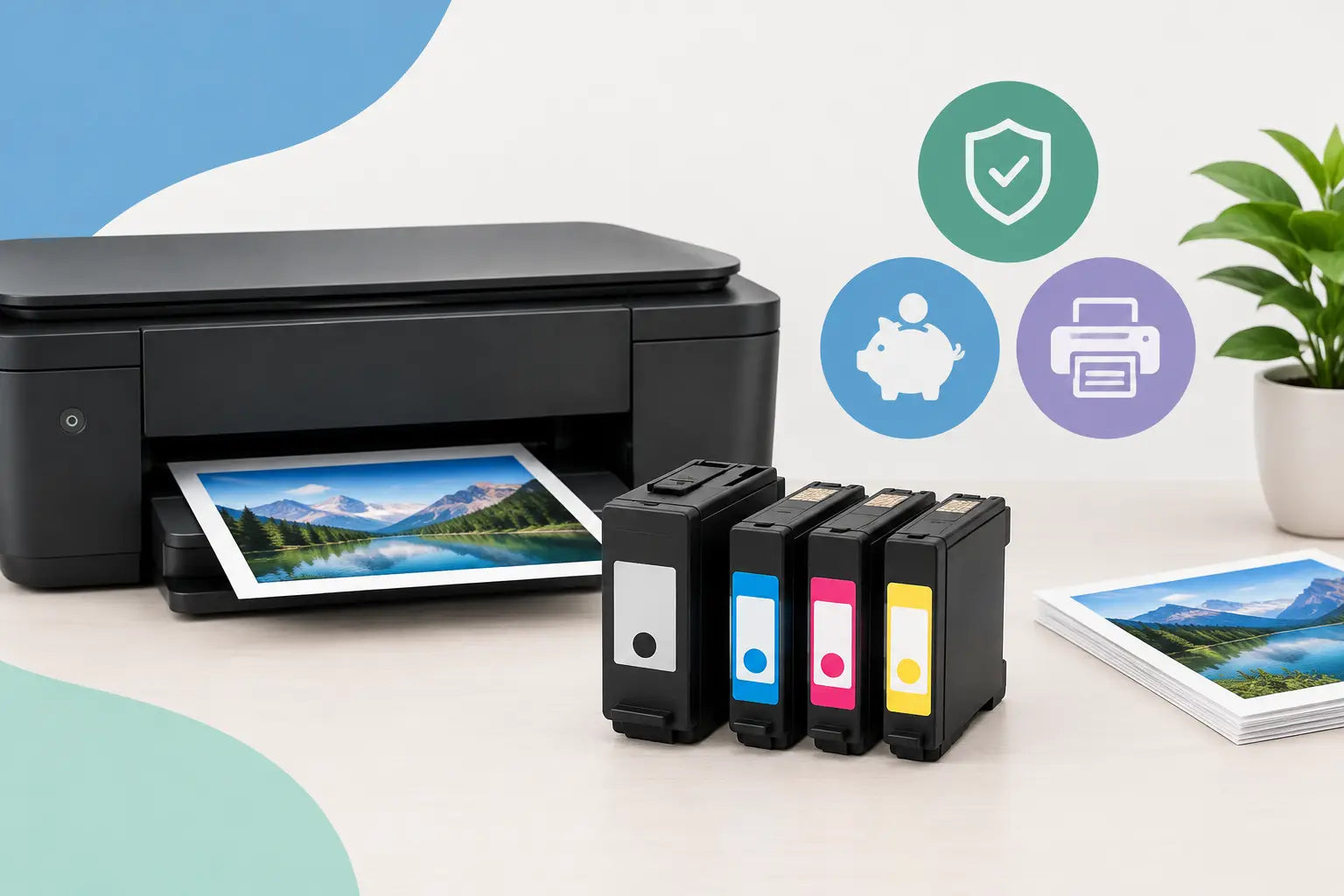
A printer never seems to run out of ink at a convenient time. It is usually halfway through school forms, invoices or a report due that afternoon. This HP 905XL compatible review looks at the question most buyers actually have: can you save money on replacement ink without creating a new printing headache?
For many home offices and small businesses, the answer is yes, provided you choose the right cartridge for your printer and buy from a supplier that stands behind its products. Compatible cartridges are not all made to the same standard, so the lowest price on its own should not be the deciding factor.
What an HP 905XL compatible cartridge is
HP 905XL cartridges are high-yield ink cartridges used in selected HP OfficeJet Pro printers. The XL version is designed to print more pages than the standard-capacity equivalent, which can make it a better fit for households, home workers and offices that print regularly.
A compatible HP 905XL cartridge is made by a third-party manufacturer rather than HP. It is designed to fit the same printer models and perform the same basic job as the original cartridge. It is not automatically a refilled cartridge. Many compatible options are newly manufactured alternatives, complete with a chip that allows the printer to recognise the cartridge.
The key word is "compatible", not universal. Even cartridges that look very similar may not suit your specific printer. Before ordering, check the printer model on the front of the machine or in its settings, then confirm that the cartridge is listed for that model. Shopping by printer model is safer than relying on a cartridge number remembered from an old box.
HP 905XL compatible review: print quality in real use
For everyday printing, a good compatible HP 905XL should produce sharp black text, clean lines and solid colour for documents, worksheets, forms and basic graphics. That is where most users will notice the value. Emails, contracts, shipping labels and school assignments do not generally require premium-priced ink to look professional.
Black text is the most useful test. A quality compatible cartridge should print consistently without faded characters, streaking or patchy areas. On colour documents, look for even fills and colours that are close to what you see on screen. Minor differences in colour tone can occur between compatible and genuine ink, particularly on photos, but they are often unnoticeable on ordinary office documents.
Where genuine cartridges can still have an edge
If you print photographs for display, client proofs with tightly controlled brand colours, or archival material, genuine HP ink can be the more cautious choice. Original cartridges are formulated specifically for the printer and its paper settings, so they may offer more predictable colour matching in specialised work.
That does not make compatible cartridges unsuitable for colour printing. It simply means the right choice depends on what you print. For a café printing menus, a tradie producing quotes, or a family printing homework, the difference is unlikely to justify a much higher cost per page. For a designer delivering colour-critical samples, it may.
Page yield matters more than the price on the box
The biggest appeal of compatible HP 905XL cartridges is lower running cost. Buying an XL cartridge already helps reduce how often you need to replace ink. Choosing a well-made compatible version can reduce the upfront cost further.
Still, page yield deserves a closer look. Yield is usually measured using standardised pages with modest ink coverage, not full-page colour flyers or photo prints. A cartridge advertised to print hundreds of pages may produce fewer pages if you regularly print heavy graphics, large images or bold colour backgrounds.
The fair comparison is cost per useful page, not just cartridge price. A very cheap cartridge that prints inconsistently or runs out early is not good value. Conversely, a compatible cartridge with dependable output and a realistic yield can be an excellent purchase, especially when you print black text and routine colour documents week after week.
For offices, buying a complete set can also make practical sense. Replacing black, cyan, magenta and yellow together gives you a spare supply on hand and avoids paying separate delivery costs every time one colour runs low. Just avoid opening every cartridge at once. Keep sealed cartridges in a cool, dry place until they are needed.
Printer recognition and firmware: the main trade-off
The most common concern with any compatible ink is whether the printer will accept it. Reliable compatible cartridges are fitted with chips designed for the relevant printer range, but printer software and firmware updates can occasionally affect third-party cartridge recognition.
If your printer displays a non-genuine cartridge message, it does not always mean the cartridge cannot print. Some messages are informational and can be acknowledged. If printing stops or the cartridge is not recognised, remove it, check that all protective tape has been removed, and reinstall it firmly. Turning the printer off and on can also help it refresh the cartridge status.
It is sensible not to install a firmware update purely out of habit when your printer is working well with compatible cartridges. Read the update notice first. Updates can improve security or fix faults, but they may also change how the printer handles aftermarket supplies.
Buying from a retailer with accessible local support is valuable here. A cartridge issue is frustrating enough without being left to sort it out through an overseas marketplace seller. Inkspot offers a 30-day money-back guarantee, which provides useful reassurance if a cartridge is not suitable for your printer.
Will compatible ink affect your printer warranty?
Using a compatible cartridge does not automatically remove your rights under Australian Consumer Law or instantly void a printer warranty. However, a printer manufacturer may assess a claim differently if it believes a fault was directly caused by a third-party cartridge.
The practical approach is to use quality cartridges, install them correctly and keep your printer maintained. Run the printer regularly so ink does not sit unused for long periods, especially in hot Australian conditions. Follow the printer's cleaning prompts when needed, but do not run cleaning cycles repeatedly without a reason, as they use ink.
If you have a newer printer that is still under warranty and it is central to your business operations, weigh the potential savings against your need for manufacturer-only support. For many users, compatible ink remains a sensible choice. For a business where even a short interruption is costly, genuine cartridges may provide extra peace of mind.
Who should buy compatible HP 905XL cartridges?
Compatible HP 905XL cartridges suit people who want to keep routine printing affordable. They are particularly useful for students printing assignments, families with regular school paperwork, remote workers producing documents at home, and small offices managing invoices, forms and correspondence.
They are less straightforward for occasional printers. If you only print a few pages every couple of months, any ink cartridge can be vulnerable to drying or nozzle issues over time. In that case, consider whether your printing habits justify an inkjet printer at all, and keep the machine switched on and used periodically.
A compatible cartridge is also a sensible option when you know your printing is text-heavy. Black ink tends to be used quickly in office printers, so moving to an XL compatible black cartridge can make a noticeable difference to your printing budget without changing your workflow.
The practical verdict on HP 905XL compatibles
A quality compatible HP 905XL cartridge can be well worth buying when your priority is dependable everyday printing at a lower cost. Expect strong results for documents and ordinary colour work, but allow for some variation between brands and a possible difference in high-end photo colour reproduction.
The safest buying decision comes down to three checks: match the cartridge to your exact printer model, choose XL capacity if you print often, and buy from a supplier that offers clear compatibility information and support if something goes wrong. The right cartridge should feel like a straightforward refill of your printer supplies, not a gamble every time the low-ink alert appears.