Ink Brands
 Aftermarket Cartridges Print Quality Explained
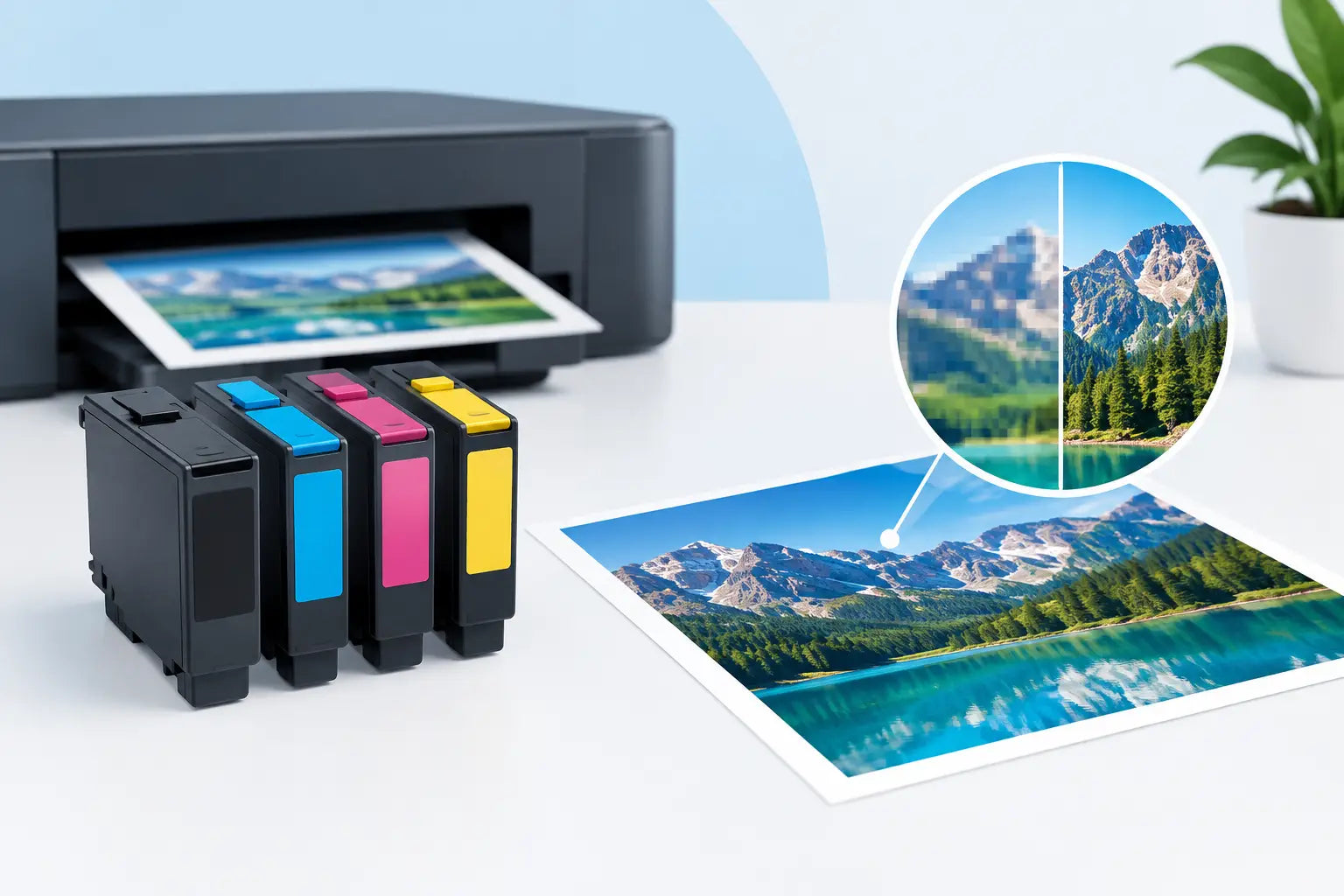
A replacement cartridge should not turn everyday printing into a gamble. Whether you are printing school assignments, invoices, shipping labels or client handouts, aftermarket cartridges print quality is usually the question behind the price comparison. Can a lower-cost cartridge produce clean, dependable pages? In many cases, yes - but the result depends on the cartridge, the printer and how you use it.
Compatible cartridges are not all made to the same standard, and neither are printing needs. A home printer used for occasional documents has different demands from a busy office laser printer or a photo printer producing family albums. Knowing what affects the outcome helps you choose confidently and get better value from every page.
What are aftermarket cartridges?
Aftermarket cartridges are replacement ink or toner cartridges made by a third party rather than the printer manufacturer. They are designed to fit specific printer models and work as an alternative to genuine OEM cartridges.
You may also hear them called compatible cartridges. They are new cartridges, not simply old cartridges that have been refilled, although remanufactured cartridges are another aftermarket option. The key point is compatibility: a quality cartridge is made for the correct printer series and cartridge number.
The lower price reflects a different supply chain, not automatically lower performance. Printer manufacturers often sell printers at competitive prices and recover much of the ongoing cost through original consumables. Compatible options give households and businesses another way to manage that recurring expense.
Aftermarket cartridges print quality: what to expect
For routine text documents, forms, worksheets and reports, a well-made compatible cartridge can deliver sharp black text and consistent colour that meets everyday needs. Many customers will see little practical difference from an original cartridge on standard office paper.
The trade-off becomes more relevant when your work demands tightly controlled colour. Professional photography, graphic design proofs and branded marketing pieces may require the exact colour profiles, paper settings and ink chemistry developed by the printer manufacturer. In those situations, genuine cartridges can be the safer choice, particularly where slight changes in skin tones, deep blacks or corporate colours matter.
Toner cartridges and ink cartridges also behave differently. Compatible laser toner is often an excellent fit for high-volume monochrome documents, as long as it is manufactured well and matched to the printer. Inkjet printing is more sensitive to nozzle performance, paper type and periods of inactivity, so cartridge quality and printer maintenance carry extra weight.
That does not mean compatible ink is unsuitable for inkjet printers. It means choosing the right product and using the printer regularly matters more. A reliable supplier will clearly state the printer models a cartridge fits, rather than expecting you to guess from the cartridge shape or brand name.
Print quality is more than colour
People often judge a cartridge by whether the first page looks dark enough. Real print quality includes consistency across the page, clean lines, readable small text, smooth colour areas and a lack of streaks, smudges or unwanted marks.
For office users, reliability can matter just as much as appearance. If an affordable toner cartridge produces clear invoices for its expected page yield, it is doing the job it was bought for. Paying more for an original cartridge may still be worthwhile for a specific printer or critical output, but it is not the only route to professional-looking documents.
What affects the result on the page?
The cartridge is a major factor, but it is not the whole story. Print quality can change because of the printer itself, the settings selected and the paper loaded in the tray.
A printer that has sat unused for months can develop blocked inkjet nozzles, even with a genuine cartridge installed. Running the printer's cleaning cycle and printing a nozzle check can resolve missing lines or faded colours. Repeated cleaning cycles use ink, though, so it is better to print a small page every week or two if you use an inkjet only occasionally.
Paper makes a visible difference too. Lightweight copy paper is ideal for everyday documents but can make colours look flatter or allow heavy ink coverage to show through. For photos or presentation material, use paper designed for inkjet printing and select the matching paper type in the print settings.
Settings are easy to overlook. Draft mode uses less ink and can make text or colour look lighter. Choosing normal or best quality, where needed, may improve the output immediately. For colour documents, check that greyscale or economy mode has not been selected by mistake.
With laser printers, streaks or repeating marks can sometimes point to a worn drum, fuser or another printer component rather than a faulty toner cartridge. Replacing toner will not fix every printing problem, so it is worth checking a test page before ordering another cartridge.
How to choose a compatible cartridge with confidence
The safest starting point is your printer model and the cartridge number it uses. Printer ranges can look very similar while taking different cartridges, so check the label on the printer or the existing cartridge before ordering. Shopping by printer model helps remove that uncertainty.
Then consider how you actually print. A compatible black cartridge may be a sensible everyday choice for a home office that prints documents regularly. A business producing hundreds of pages may benefit from a high-yield toner option, as long as the stated yield suits its likely monthly use. High-yield cartridges generally offer a lower cost per page, but only if you will use them before changing printers or leaving the printer idle for a long period.
It also pays to buy from a specialist that provides clear compatibility information and stands behind its products. A very cheap cartridge from an unknown seller can be a false economy if it arrives poorly packaged, has unclear fitment details or offers no practical support when something goes wrong.
At Inkspot, customers can choose cartridges by printer model, making it easier to find a compatible option without sorting through lookalike products. The goal is not simply to buy the cheapest cartridge. It is to buy the correct cartridge for the print quality, page volume and budget you need.
When genuine cartridges may be the better option
Compatible cartridges are not a one-size-fits-all answer. Genuine cartridges can make sense when you need manufacturer-specified colour output, use specialist photo media, rely on a printer in a demanding production role or simply prefer to keep every part of your printing setup original.
They can also be a sensible choice if a particular printer model is known to be fussy, or if you have tested a compatible cartridge and were not happy with the result. Good buying decisions are based on the job, not loyalty to one option.
Some households use a mixed approach: compatible cartridges for everyday document printing and genuine ink for occasional photo projects. Others use compatible toner across a busy office fleet because the savings become meaningful over thousands of pages. Both approaches can be sensible.
Getting the best from a new cartridge
Install a new cartridge carefully and remove all protective seals or tape as instructed. Avoid touching inkjet nozzles or electrical contacts, as fingerprints and dust can interfere with recognition or printing. Once installed, print a test page before starting an important job.
If the printer shows a cartridge warning, check that the cartridge is seated properly and that the correct model was ordered. Some printers display messages because a cartridge is compatible rather than original, even when it is ready to print. Read the message closely before assuming there is a fault.
For inkjets, keep cartridges sealed until you are ready to use them and store them away from heat and direct sunlight. For toner, store the cartridge flat in its sealed packaging and give it a gentle side-to-side shake only if the installation instructions recommend it. Simple handling can help maintain consistent output.
The best cartridge is the one that gives you reliable pages at a price that makes sense for your printer. Match the cartridge to the model, use suitable paper and settings, and give yourself the reassurance of buying from a supplier that can help if the result is not what you expected.