Ink Brands
 How to Choose the Right HP Toner Cartridges
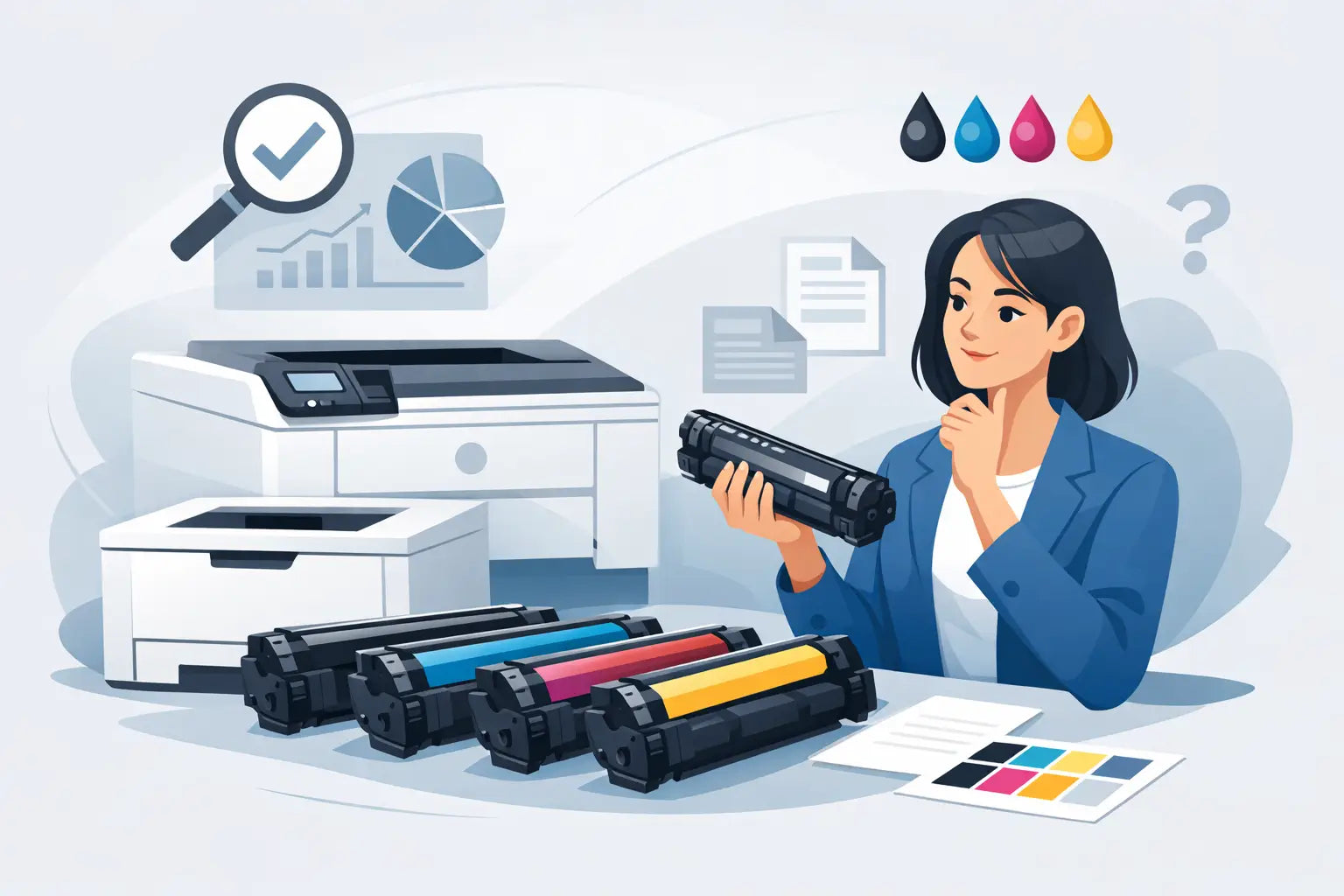
A printer rarely runs out of toner at a convenient time. It is usually just before an invoice run, a school assignment or an important meeting. Choosing the right HP toner cartridges before that moment means less downtime, fewer ordering mistakes and better control over your printing costs.
For most HP LaserJet owners, the best choice comes down to three practical questions: Is this cartridge compatible with my exact printer model? Do I need genuine HP or a compatible alternative? And will the page yield suit how much I print? Once you know the answers, buying toner becomes much more straightforward.
Start with your printer model
The safest way to buy replacement toner is to search using your full printer model, not the shape of the old cartridge or a guess based on its name. HP produces many LaserJet, Colour LaserJet and multifunction printers, and cartridges that look similar are not always interchangeable.
Check the model name on the front or top of the printer, or look for the label on the back, side or inside the toner access door. Include all letters and numbers when searching. For example, a model family may use different cartridges depending on whether it is a standard, wireless or multifunction version.
You can also check the cartridge code printed on your current toner. Codes such as HP 26A, 30A, 58A or 85A are useful identifiers, but the printer model should still be your final check. A printer-model-based search tool is particularly helpful when you manage several devices in an office or need to order toner for someone else.
Toner is different from ink
This sounds obvious, but it catches people out. HP DeskJet, ENVY and many OfficeJet printers generally use ink cartridges. HP LaserJet printers use toner cartridges, which contain a fine powder rather than liquid ink. They are designed for laser printing and cannot be swapped between printer types.
If your printer uses toner, buying an ink cartridge because the branding looks familiar will not help. Confirming the printer family first avoids a frustrating return and gets your printer working sooner.
Genuine and compatible HP toner cartridges
Genuine HP cartridges are made by HP for its own printers. They are a sensible option for buyers who want the manufacturer-original product, work in a tightly controlled print environment or have a workplace purchasing policy that requires OEM consumables.
Compatible cartridges are new cartridges made by a third-party manufacturer to fit specific HP printer models. They are not refilled originals and should not be confused with second-hand or reused cartridges. A quality compatible option can offer substantial savings, particularly for homes, small businesses and offices with regular black-and-white printing.
Neither option is automatically right for every buyer. Genuine toner may suit a business where internal policy, brand requirements or highly colour-sensitive output matters most. Compatible toner often makes better commercial sense where reliable everyday documents, lower cost per page and repeat ordering are the priorities.
The key is to buy from a supplier that clearly states printer compatibility and stands behind the product. At Inkspot, customers can choose between genuine and compatible options without having to guess which printer each cartridge fits.
Will compatible toner affect your printer?
A properly manufactured compatible cartridge is designed to work with the listed printer models. In ordinary day-to-day use, many customers choose compatibles to reduce their ongoing print spend without sacrificing clear text and dependable results.
There can be trade-offs. Print output may vary slightly between brands, especially on specialised colour work, glossy media or graphics where exact colour matching is critical. Your printer may also display a non-genuine cartridge message. This is usually an information notice rather than a fault. Follow the on-screen prompts and check that the cartridge has been seated correctly.
For standard reports, forms, invoices, shipping labels and study notes, compatible toner is often a practical value-focused choice. For high-stakes marketing materials or a workflow that requires manufacturer-original supplies, genuine HP toner may be worth the extra cost.
Look beyond the cartridge price
The ticket price tells only part of the story. Page yield is often a better way to compare HP toner cartridges, especially if your printer gets regular use.
Page yield is an estimated number of pages a cartridge can print under standard test conditions, usually based on relatively light page coverage. A page containing a few lines of text uses far less toner than a full-page graphic, dense legal document or black background. Your real yield will depend on what you print and how often.
Standard-yield cartridges suit occasional printing and buyers who prefer a lower upfront cost. High-yield cartridges, sometimes identified by an X in the cartridge code, contain more toner and usually reduce the cost per page. They can be a smart buy for busy home offices, reception areas and small businesses that print invoices, packing slips or reports every week.
A high-yield cartridge is not always the answer. If a printer is rarely used, a standard-yield cartridge may be more appropriate because you avoid tying up money in supplies that will sit in storage for a long time. It depends on your print volume, budget and how quickly you need to reorder.
Avoid the common ordering mistakes
Buying the correct toner is easier when you slow down for one minute before checkout. First, confirm the full printer model. Next, match the cartridge code and check whether you need black toner only or a full set of black, cyan, magenta and yellow cartridges.
Colour laser printers can stop producing the output you need when one colour runs low, even if black toner remains. If you rely on colour charts, presentations or branded documents, keeping a spare of each colour can prevent delays. For mostly black-and-white documents, check whether your printer uses a separate black cartridge and choose the yield that matches your workload.
Also watch for multipacks. A multipack can offer good value for a colour printer, but only if all cartridges fit your exact model and you expect to use them. It is less useful to buy a large set purely because the upfront discount looks attractive.
Get better results from each cartridge
Toner cartridges are low-maintenance, but a few habits can help you get consistent output. Store unopened cartridges flat in their sealed packaging, away from direct sunlight, heat and moisture. There is no need to open a cartridge until you are ready to install it.
When fitting a new cartridge, remove all protective tabs, seals and packing materials as directed. Give the cartridge a gentle side-to-side rock if the instructions call for it, rather than shaking it aggressively. Toner is a fine powder, and rough handling is more likely to create a mess than improve performance.
If prints look pale, streaky or patchy after installation, first check that the cartridge is fully inserted and that all packaging has been removed. Run the printer's cleaning or calibration function if available. For colour printers, calibration can make a noticeable difference after changing toner.
Print settings matter too. Draft or economy mode can reduce toner use for internal documents, while normal or high-quality settings are better for customer-facing pages. Use the setting that matches the job rather than printing every document at maximum quality by default.
Keep a spare without overbuying
For a home printer, one spare black cartridge is usually enough. For a busy office, keeping a backup of the toner that runs out most often can save a rushed purchase and prevent work from stopping mid-job. Colour printer users may benefit from maintaining a spare set if colour output is essential to daily operations.
Track roughly how long a cartridge lasts in your printer. After two or three replacement cycles, you will have a useful picture of your actual usage and can decide whether high-yield toner, multipacks or a regular reorder schedule makes financial sense.
The right cartridge is not necessarily the most expensive one or the cheapest one. It is the one that fits your HP printer, delivers the output your work requires and keeps your cost per page sensible. Check the model, compare yield and choose the genuine or compatible option that suits the way you print - then keep a spare ready for the next inconvenient low-toner alert.