Ink Brands
 Do Ink Cartridges Dry Out Over Time?
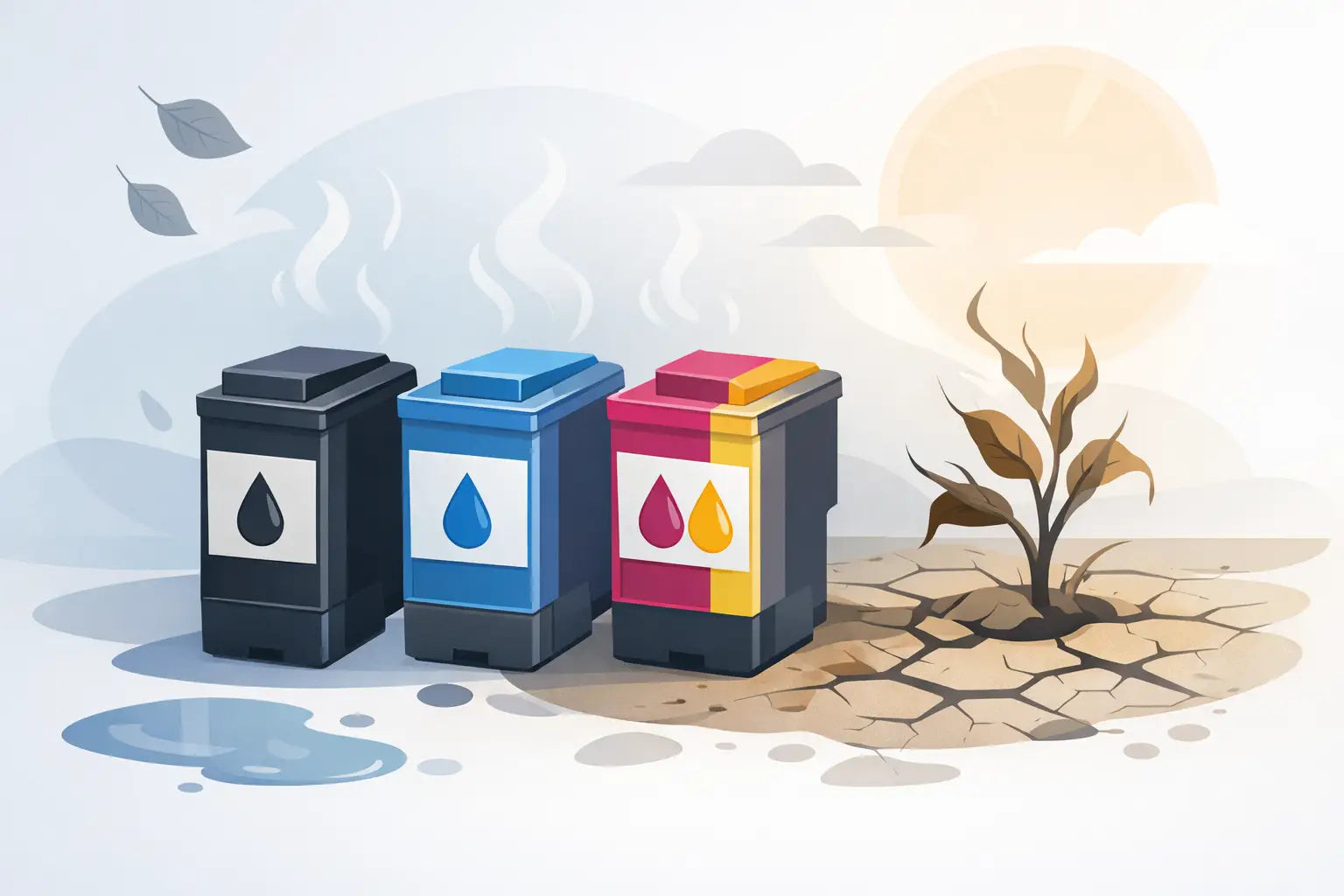
You go to print a return label, school assignment or invoice, and instead of a clean page you get streaks, missing lines or nothing at all. It’s a familiar frustration, and it leads to a common question: do ink cartridges dry out? The short answer is yes, they can - but not always in the way people expect.
Sometimes the ink inside the cartridge is still fine, but the printhead nozzles have dried or become blocked. Other times the cartridge has simply been sitting unused for too long. The good news is that drying out is often preventable, and in some cases fixable, if you catch it early.
Do ink cartridges dry out if they’re not used?
Yes, ink cartridges can dry out when they’re left unused, especially in inkjet printers. Ink is a liquid, and over time some of that moisture can evaporate. Once that happens, the ink thickens and can clog the tiny nozzles that push it onto the page.
How quickly this happens depends on the cartridge type, the printer design and where the cartridge is stored. A cartridge left in a printer that’s rarely used may dry more quickly than one in a sealed package. Printers with built-in printheads can also behave differently from printers where the printhead is part of the cartridge itself.
That’s why two people can buy the same cartridge and have very different experiences. One might print every few days and have no issue. Another might leave the printer untouched for months and find the cartridge appears to have failed long before it’s empty.
Why ink cartridges dry out
The main reason is exposure to air. Inkjet cartridges and printheads rely on very small openings, and those openings are vulnerable if the printer sits idle. Even when the cartridge is installed correctly, a lack of regular printing can allow ink near the nozzle area to dry and harden.
Heat and low humidity can make the problem worse. If a printer is kept in a hot study, near a sunny window or in a room with dry air, the ink may evaporate faster. Storage also matters. An opened cartridge that’s removed from the printer and left unsealed is much more likely to dry out than one kept in its original packaging.
It’s also worth separating ink from toner. Toner cartridges used in laser printers don’t dry out in the same way because toner is a fine powder, not a liquid. If you use a laser printer, drying isn’t usually the issue. With inkjet printers, it very much can be.
How long does it take for cartridges to dry out?
There’s no single timeline, because it depends on the printer and how it’s used. In general, an installed ink cartridge that goes unused for several weeks or months is at greater risk of clogging or drying at the nozzle. A sealed cartridge stored properly can last much longer, often until its stated shelf life.
That said, shelf life and usable life are not exactly the same thing. A cartridge in a sealed foil pack may remain stable for a long period, but once it’s opened and fitted to the printer, the clock starts moving faster. If you print only a few times a year, drying out is a more realistic risk than if you print weekly.
Some printers run automatic maintenance cycles to help keep ink flowing. That can help, but it also uses a small amount of ink. There’s a trade-off here: regular maintenance can reduce clogs, but if you rarely print, some ink may be used simply keeping the system healthy.
Signs your ink cartridge has dried out
The first clue is usually print quality. You might see faded text, broken lines, missing colours or blank sections on the page. If black text comes out grey or patchy, that can point to dried ink or a blocked nozzle rather than an empty cartridge.
A printer may also show a cartridge error even when there’s still ink left. That doesn’t always mean the cartridge is faulty. Sometimes the printer detects poor ink flow and flags it as a problem. Running a nozzle check can help you work out whether the issue is low ink, a clog or something else.
If the cartridge has been sitting around for a long time, dried ink around the outlet or contacts can also be a sign. In those cases, cleaning may help, but success depends on how severe the drying is.
Can dried ink cartridges be fixed?
Sometimes, yes. If the drying is minor, you may be able to restore print quality by running the printer’s cleaning cycle. Most inkjet printers include a maintenance menu with options such as nozzle check, head clean or deep clean. It’s best to start with the lightest cleaning option first, because repeated deep cleaning can use a fair amount of ink.
If that doesn’t work, turning the printer off properly and leaving it for a short while before trying again can help in some cases. For cartridges with an integrated printhead, gentle cleaning around the printhead area may improve flow. You need to be careful, though. Overhandling the cartridge or using the wrong cleaning method can do more harm than good.
If a cartridge has dried badly or has been unused for a very long time, recovery may not be worth it. At that point, replacement is usually the more reliable option, especially if you need clean, consistent printing for work or study.
How to stop ink cartridges drying out
The simplest way to prevent drying is to use your printer regularly. You don’t need to print a full report every week. Even a small test page with black text and a bit of colour can help keep ink moving through the nozzles.
It also helps to leave the printer switched on if the manufacturer recommends it. Many inkjet printers perform small automatic maintenance tasks when idle, and unplugging them at the wall can interrupt that. If you do turn the printer off, use the power button so the printer can park the printhead correctly.
Storage matters too. Keep spare cartridges sealed in their original packaging until you need them. Store them in a cool, dry place out of direct sunlight. Don’t leave them in the car, near a heater or in a cupboard that gets very warm.
If you print very rarely, it may be worth thinking about whether your current printer suits your habits. An inkjet is convenient and often affordable upfront, but for low-use households or some small offices, a laser printer can be the better long-term fit because toner doesn’t face the same drying issue.
Does cartridge type make a difference?
Yes, and this is where a bit of context helps. Genuine cartridges and compatible cartridges can both perform well, but longevity can vary depending on manufacturing quality, ink formulation and storage conditions. A well-made compatible cartridge stored properly may last perfectly well. A poorly stored cartridge, genuine or otherwise, can still cause trouble.
Printer design also matters. Some brands use cartridges with integrated printheads, while others use separate cartridges that feed ink into a permanent printhead. With integrated designs, replacing the cartridge often replaces the printhead too, which can make it easier to solve severe clogging. With separate printhead systems, dried ink can affect the printer hardware rather than just the cartridge.
That doesn’t mean one system is always better. It just means the fix can be different depending on the printer model.
When should you replace instead of troubleshoot?
If you’ve run a nozzle check, tried the standard cleaning cycle and still get poor results, replacing the cartridge is often the practical next step. The same applies if the cartridge is old, opened long ago or has been stored improperly.
For busy homes and small businesses, time matters. Spending an hour trying to revive an old cartridge may not be worthwhile if a fresh replacement gets the printer back up and running straight away. If you’re unsure whether the issue is the cartridge or the printer, checking your model and cartridge match is also important. Ordering the right cartridge in the first place saves a lot of avoidable headaches.
That’s one reason many customers prefer buying from a specialist retailer like Inkspot rather than taking a guess on a generic marketplace listing. Getting the right fit for your printer makes troubleshooting much simpler and reduces the chance of wasting money on the wrong consumable.
The bottom line on whether ink dries out
So, do ink cartridges dry out? Yes, especially in inkjet printers that sit unused for long periods. But drying isn’t automatic, and it isn’t always a sign that the cartridge was poor quality. Usage habits, storage, printer design and room conditions all play a part.
If you print regularly, store spare cartridges properly and deal with minor print issues early, you can avoid most of the common problems. And if your printer only gets used once in a blue moon, choosing supplies that suit your printing habits can save you money and frustration later. A little prevention goes a long way when the page needs to print properly the first time.