
 Ink Brands
 Brother Toner Cartridge Replacement Made Easy
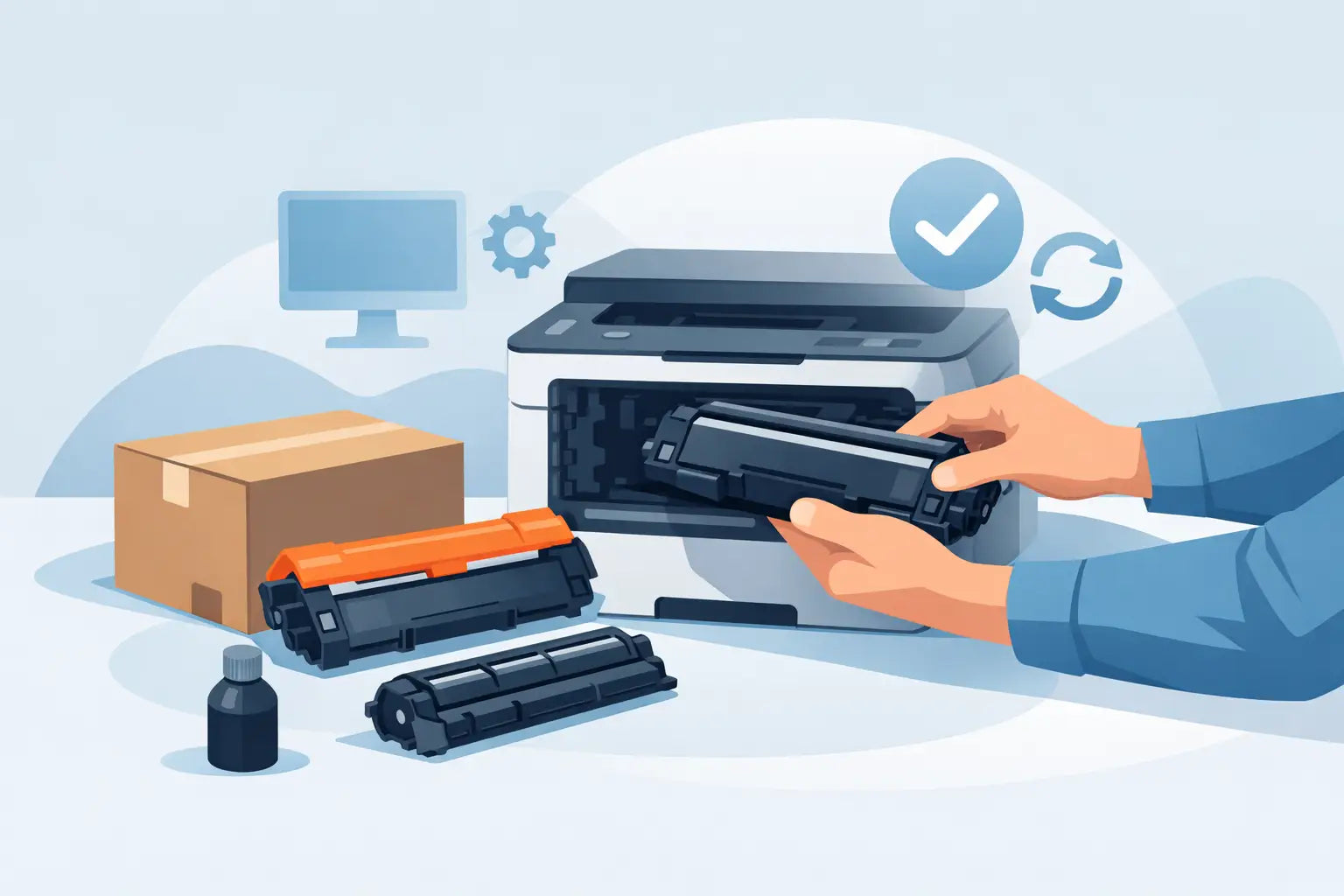
That low toner warning always seems to pop up when you are halfway through printing something you actually need. If you are dealing with a brother toner cartridge replacement, the good news is that most Brother laser printers make the process fairly straightforward once you know what to look for.
The part that usually causes trouble is not the physical swap itself. It is working out whether you need toner, the drum, or both, and making sure you order the right cartridge for your exact printer model. Get those two things right, and the rest is usually quick.
Brother toner cartridge replacement starts with the right part
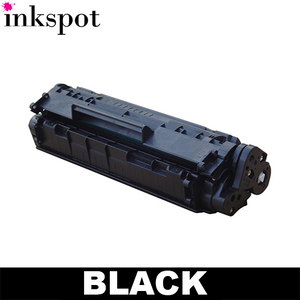
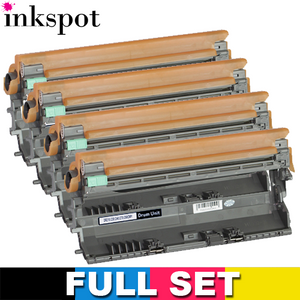
Brother laser printers often use a separate toner cartridge and drum unit. That matters because many people assume a print problem means the toner needs replacing, when the real issue is the drum reaching the end of its life. Toner is the powder that creates the image on the page. The drum is the component that transfers that image during printing.
If your printer says Toner Low, Replace Toner, or the pages are coming out faded, patchy or unusually light, the toner cartridge is the first thing to check. If you are seeing repeated marks, ghosting, black lines, or messages about the drum, then the drum unit may be the culprit instead.
This is where model compatibility becomes important. Brother printers use different cartridge series, and cartridges that look similar are not always interchangeable. The safest approach is to search by printer model rather than trying to match by sight. That saves time, money and the annoyance of opening a cartridge that does not fit.
How to replace a Brother toner cartridge
Most Brother mono and colour laser printers follow a similar process, although the exact layout can vary a bit between models. Before starting, leave the printer switched on unless your manual says otherwise, and give it a minute to settle if it has just finished a large print job.
Open the front cover or top access panel, depending on your printer design. You will usually see the drum and toner assembly sitting together as one removable unit. Pull that unit out gently using the handle.
Once it is out, place it on a piece of paper or a cloth you do not mind getting dusty. Toner is fine powder, so it is best not to put the unit directly on a clean desk. Press the lock lever to release the old toner cartridge from the drum unit, then lift it out.
Take the new toner cartridge out of its packaging and remove any protective cover or sealing tape. This part is easy to rush, but it is worth checking carefully that all transit seals are removed. If one is left in place, the cartridge may not print properly even though it appears to be installed correctly.
Slide the new toner cartridge into the drum unit until it clicks into place. If it does not fit smoothly, stop and check the cartridge code rather than forcing it. A proper fit should feel secure without much pressure.
Before reinserting the assembly into the printer, gently slide the green corona wire tab from side to side a few times if your model has one. Then return it to the home position, usually marked by an arrow. Skipping this step can sometimes lead to print quality issues.
Now slide the full drum and toner assembly back into the printer and close the cover. In many models, the printer will recognise the new toner automatically. Some require you to confirm replacement or reset the toner counter through the control panel.
When a Brother toner cartridge replacement does not clear the message
One of the more frustrating outcomes is replacing the toner and still seeing a Replace Toner or Toner Low message. That does not always mean the new cartridge is faulty. In many cases, the printer simply has not reset its toner status.
Some Brother printers use a manual reset sequence. This can involve opening the front cover and pressing a combination of buttons, or using the menu to reset the toner life for the cartridge you have installed. The steps vary by model, so it is always best to follow model-specific instructions.
There is also a difference between a genuine end-of-life warning and an estimated low toner warning. Brother printers often calculate toner usage based on page count and print coverage, which means some cartridges still have usable toner left when the alert appears. If print quality is still acceptable, some users continue printing for a little longer. If quality has dropped off, replacement is the better call.
If the message stays on after a reset, check that the cartridge is fully seated and that no packaging material remains attached. It is also worth confirming that the cartridge is the correct series for your printer. A near match is not enough here.
Genuine vs compatible Brother toner cartridges
For most buyers, this is where the real decision sits. Genuine Brother toner cartridges are made by the original manufacturer and are often the default option for businesses that want brand-matched supplies. Compatible cartridges are aftermarket alternatives designed to work with the same printer models, usually at a lower price.
The trade-off comes down to budget, print expectations and buying confidence. Genuine toner can suit users who want the manufacturer product every time, particularly in offices with strict procurement rules or specialised printing needs. Compatible toner can make a lot of sense for homes, students, remote workers and businesses looking to keep printing costs under control without sacrificing day-to-day performance.
A good compatible cartridge should offer reliable page yield, clear print output and stable printer compatibility. The key is buying from a supplier that clearly lists supported printer models and stands behind what it sells. That matters more than a flashy label on the box.
For regular printing, the savings on compatible toner can add up quickly, especially if you go through several cartridges a year. For occasional printing, the decision may be less about long-term cost and more about simple availability and convenience. There is no one-size-fits-all answer. It depends on how often you print and how tightly you manage your supply costs.
Common mistakes to avoid
The biggest mistake is ordering by cartridge number you think you remember rather than checking the printer model. Brother naming can be confusing, and one digit out is enough to land the wrong product.
Another common issue is replacing the toner when the drum is actually worn. If a new toner cartridge does not improve print quality, do not assume you have bought a dud straight away. Separate drum-and-toner systems are efficient, but they do mean you need to diagnose the issue properly.
It is also worth avoiding the habit of shaking or handling the cartridge too roughly. A gentle side-to-side shake can sometimes help distribute toner in a low cartridge, but once you are fitting a new one, rough handling can create a mess and does not improve performance.
Finally, keep packaging until the new cartridge is installed and working as expected. If there is a compatibility problem or fault, having the box and product code on hand makes support much easier.
How to make future replacements easier
Once you have completed one brother toner cartridge replacement, the next one should be much simpler. The best habit is to note your exact printer model and cartridge code somewhere easy to find, whether that is in the office supply cupboard, on your phone, or in your order history.
If you print regularly, it often makes sense to keep a spare toner cartridge on hand rather than waiting for the low toner warning to become urgent. That is especially useful for home offices, schools and small businesses where a printer going down can interrupt real work.
Buying from a local Australian supplier can also make the process less painful. Faster delivery, easier returns and support from people who understand local customers all help when you need supplies without mucking around. Inkspot, for example, focuses on making cartridge selection simpler by matching products to printer models and giving buyers a choice between genuine and lower-cost compatible options.
A Brother laser printer is usually built for dependable, low-fuss printing. Replacing the toner should feel the same. When you know whether you need toner or a drum, check compatibility carefully and buy from a supplier that gives you clear product information, the whole job becomes less of a hassle and more of a two-minute fix. The next time that warning flashes up, you will know exactly what to do.